Kestrel press kit: screenshots, logos and review licenses
Everything you need to cover Kestrel without writing to us: the facts, the files, and a review license that arrives by email right away.
In one line
Kestrel is a screenshot and screen recording app for Mac and Windows, $19.99 a year.
About Kestrel (paste as is)
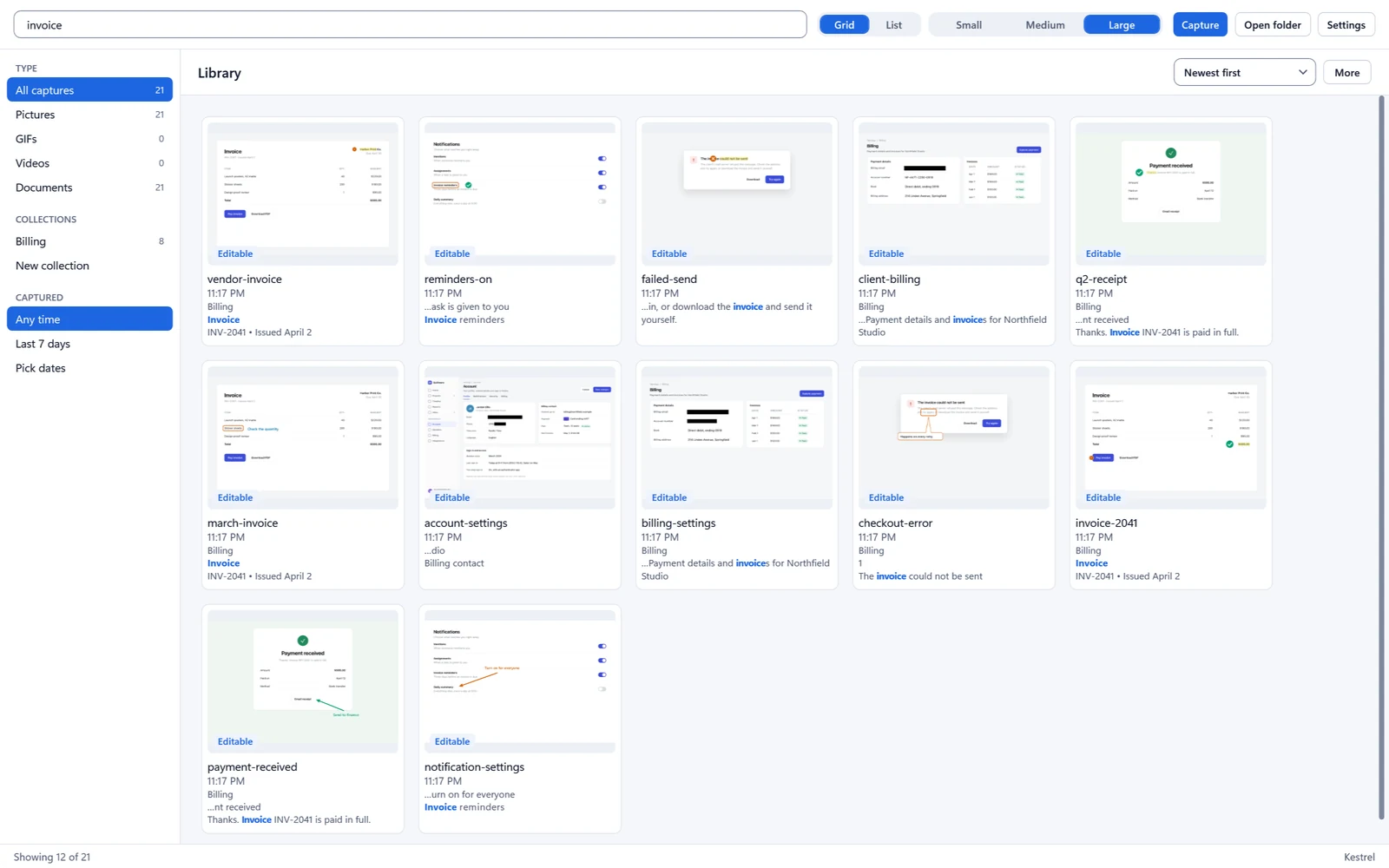
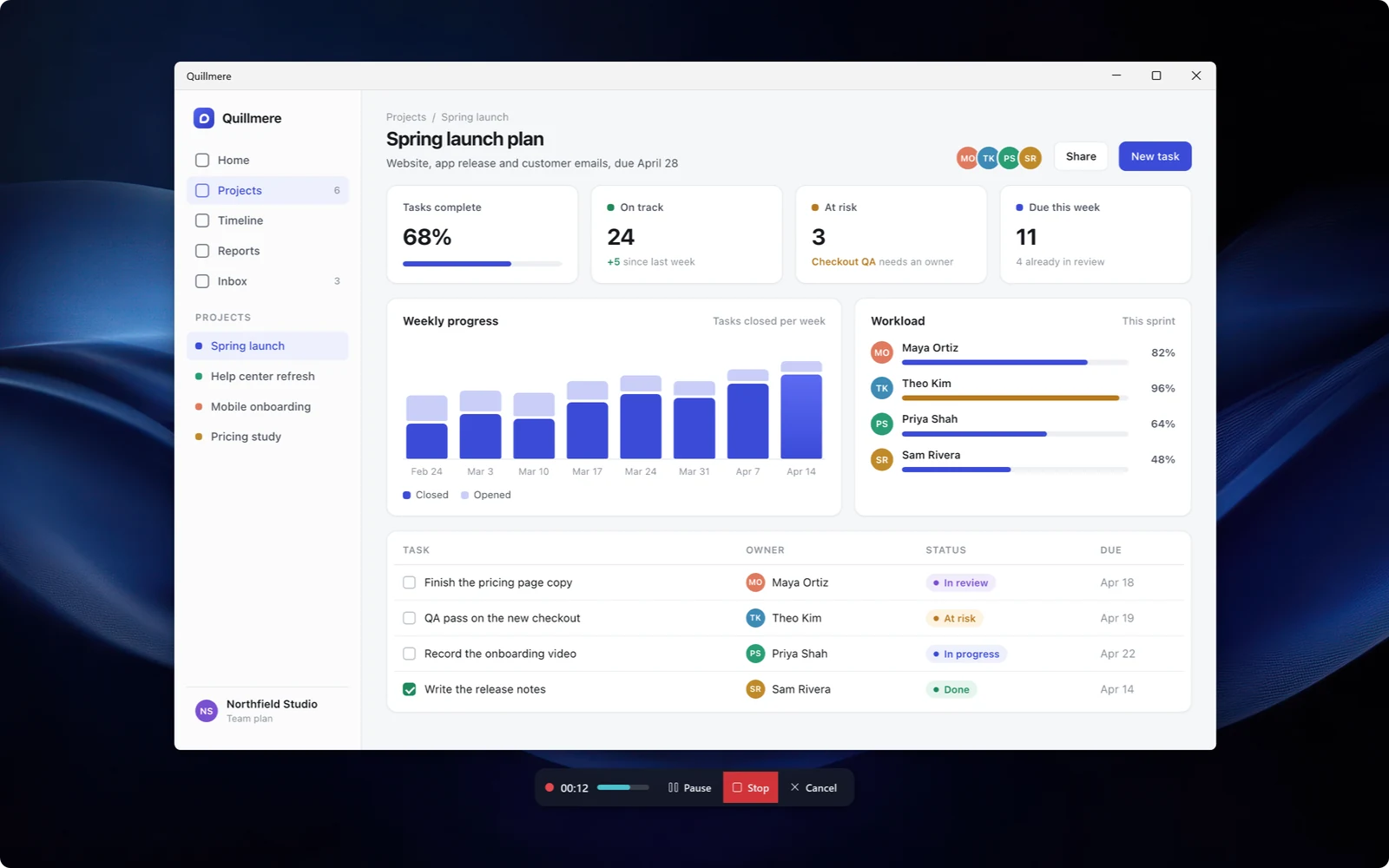
Kestrel is a screenshot and screen recording app for Mac and Windows from Goodfriend Solutions. Press one key to capture, mark it up in Studio, hide private details, record your screen, and find any capture again in the Library by the words inside it. It needs no account, sends no usage data, and costs $19.99 a year after a free beta that runs through December 31, 2026.
Fact sheet
| Product | Kestrel |
|---|---|
| Platforms | Mac (macOS 15 or later) and Windows (Windows 10 version 2004 or later, and Windows 11) |
| Price | $19.99 a year. Free in beta through December 31, 2026. On Windows, each license covers 2 computers, and the app includes a 14-day free trial. |
| Status | Public beta on Mac and Windows |
| Main features | Screenshots, scrolling capture, screen recording, the Studio editor for pictures and video, finding and hiding private details, and the Library with search by the text inside pictures |
| Account | None. Nothing to sign up for or sign in to. |
| Developer | Kyle Goodfriend, Goodfriend Solutions, LLC |
| Press contact | See below |
Review license
During the beta every review copy is a full license, free through December 31, 2026. Fill this in and the Windows download link comes by email straight away. Mac review copies come through Apple's TestFlight, usually within a day or two.
Assets
Download everything (.zip, 34 MB)
The zip has logos, app icons, 16 screenshots at full 3200 x 2000 size, five GIFs and two silent B-roll clips. Everything in the screenshots is made-up sample data.
Logos and app icon






SVG versions of the logo. The logo exists only as a 2048 px raster today; a vector redraw is needed before SVG files can go here and in the zip.
Screenshots: Windows
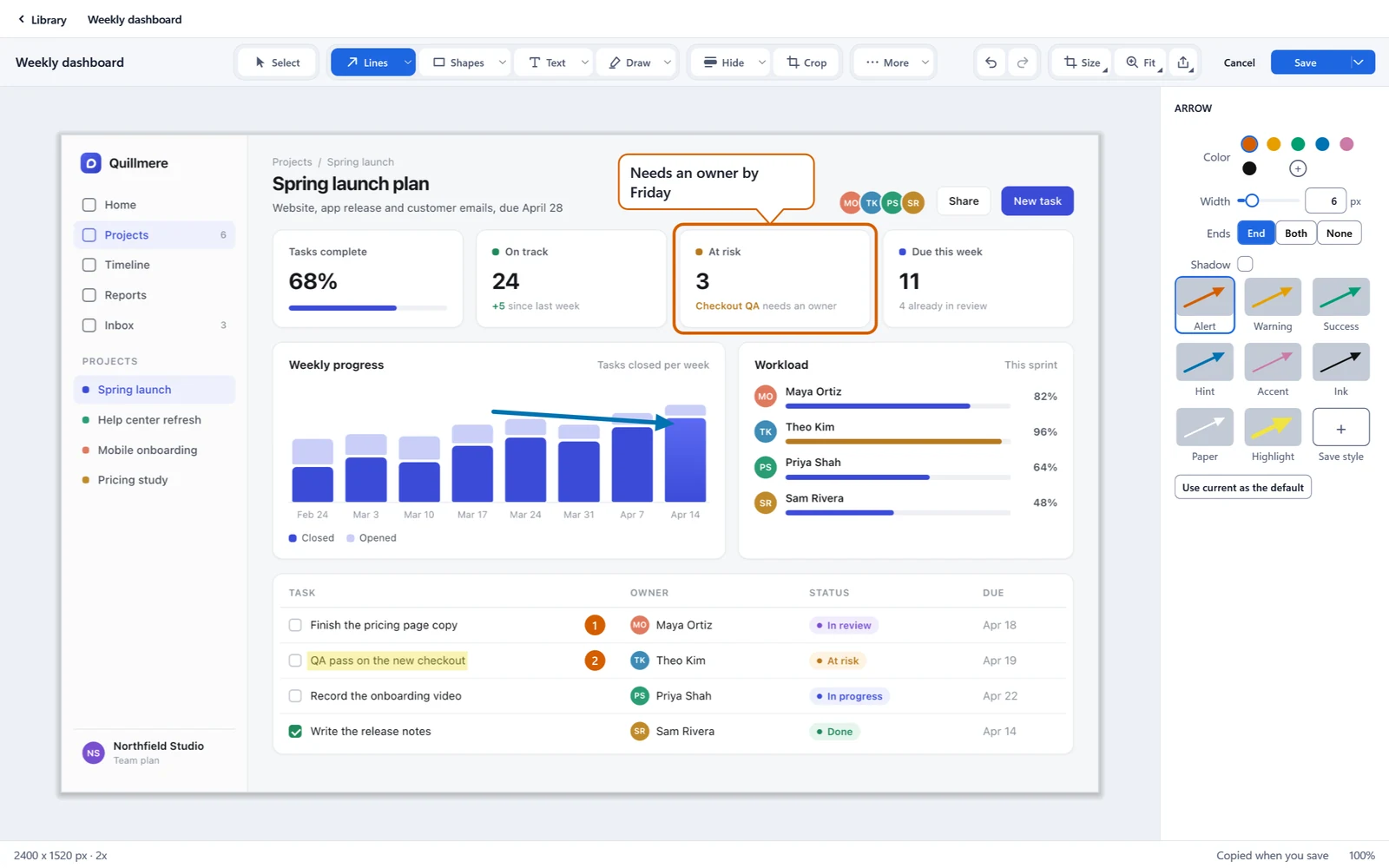
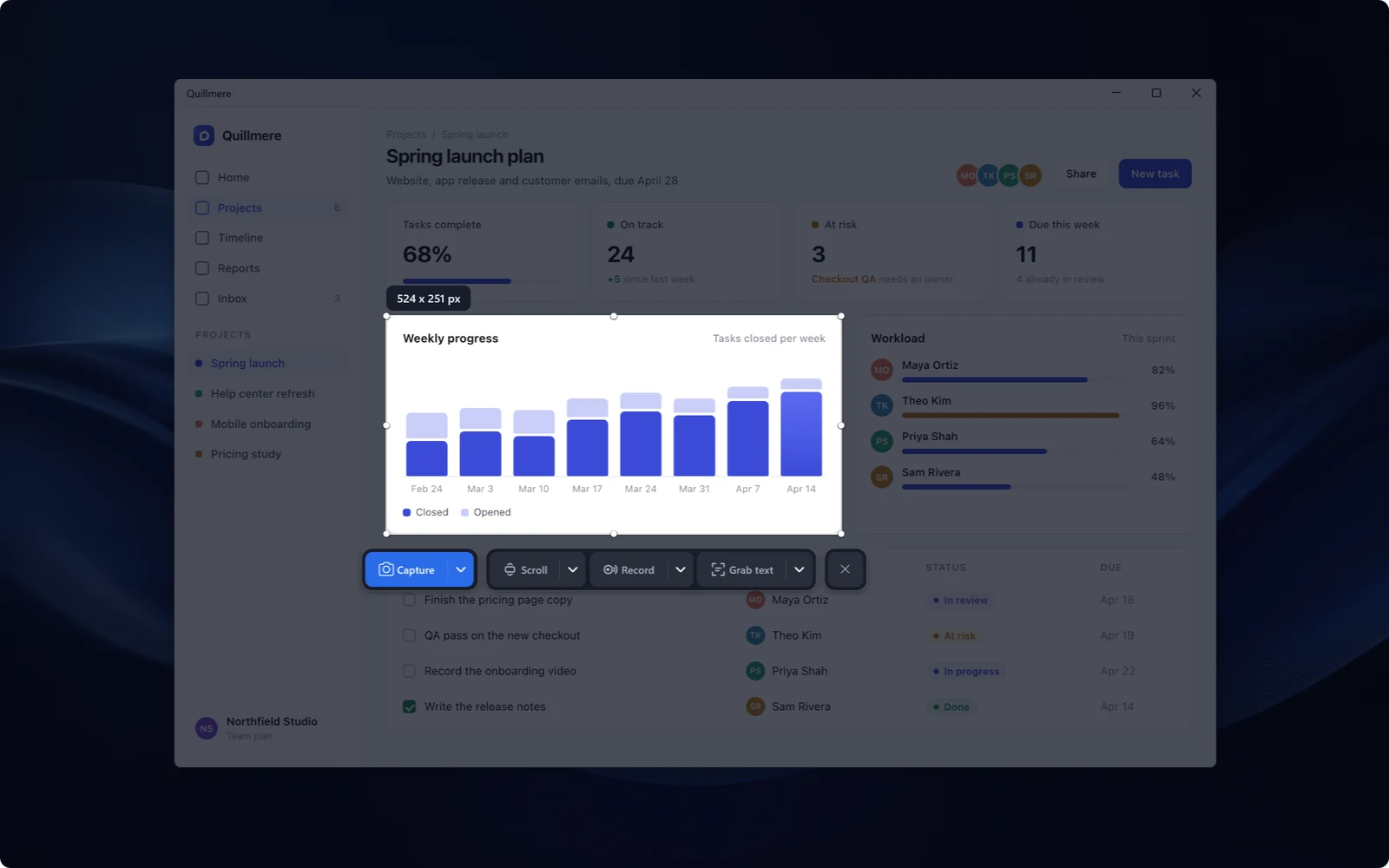
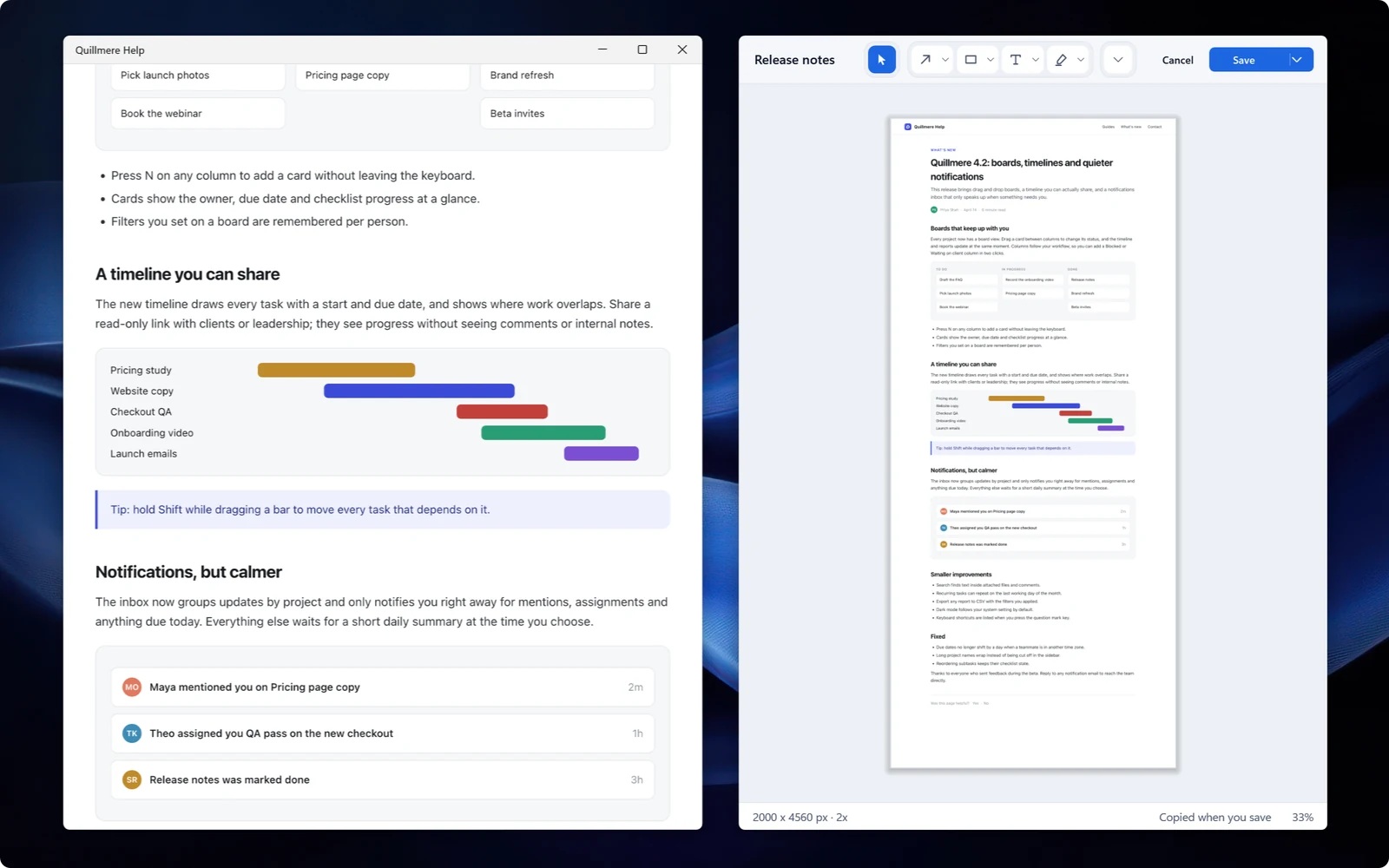
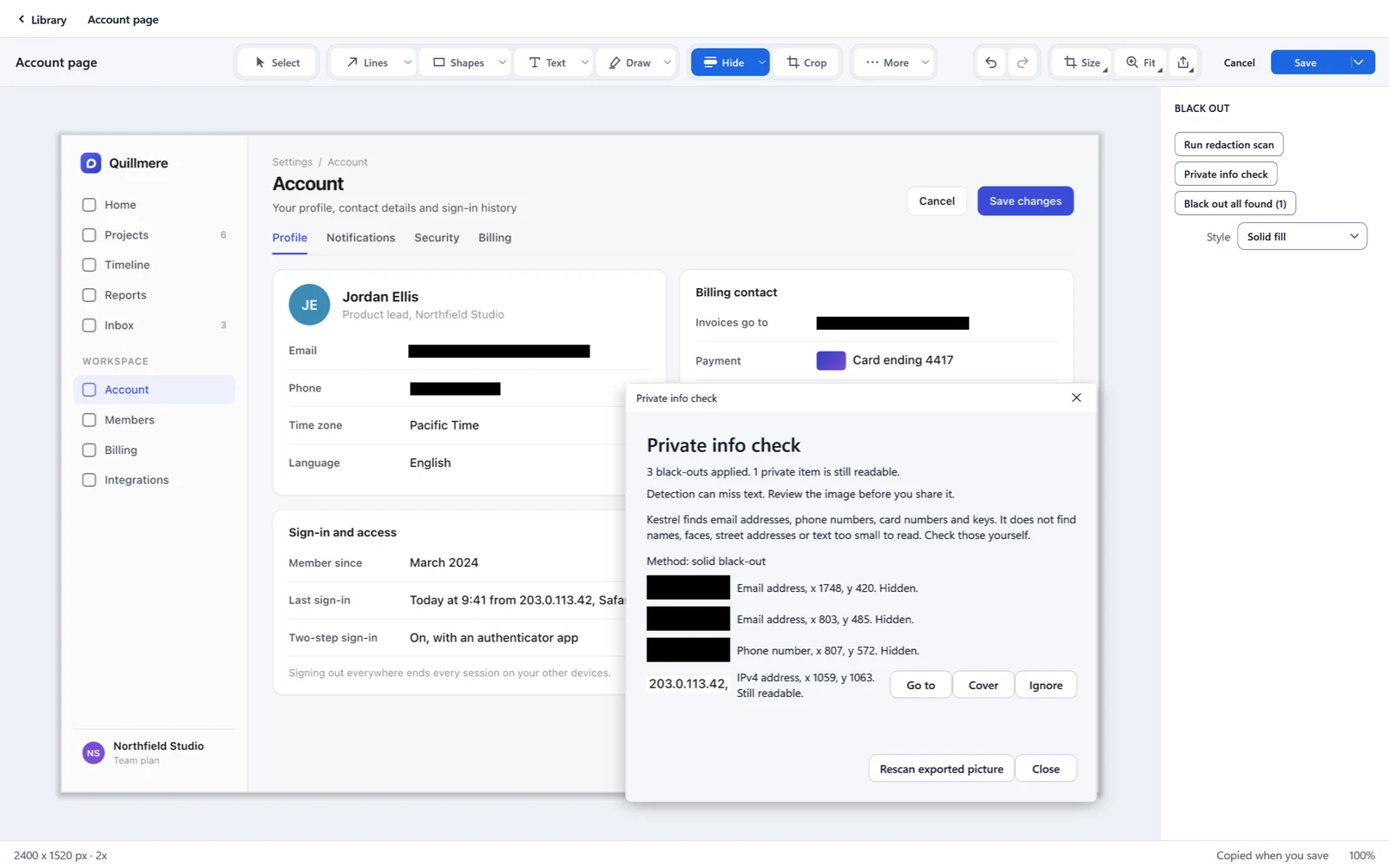
Screenshots: Mac
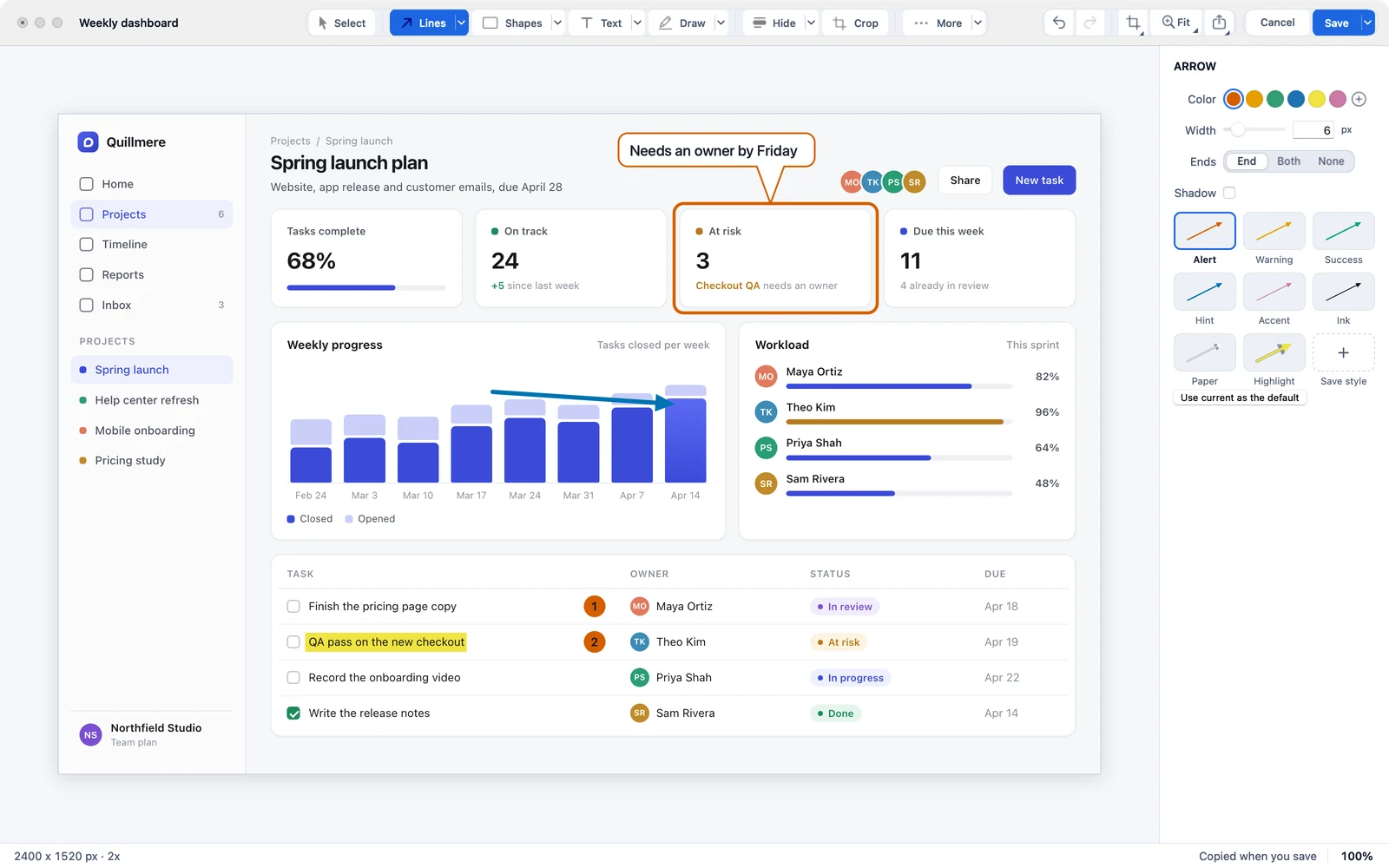
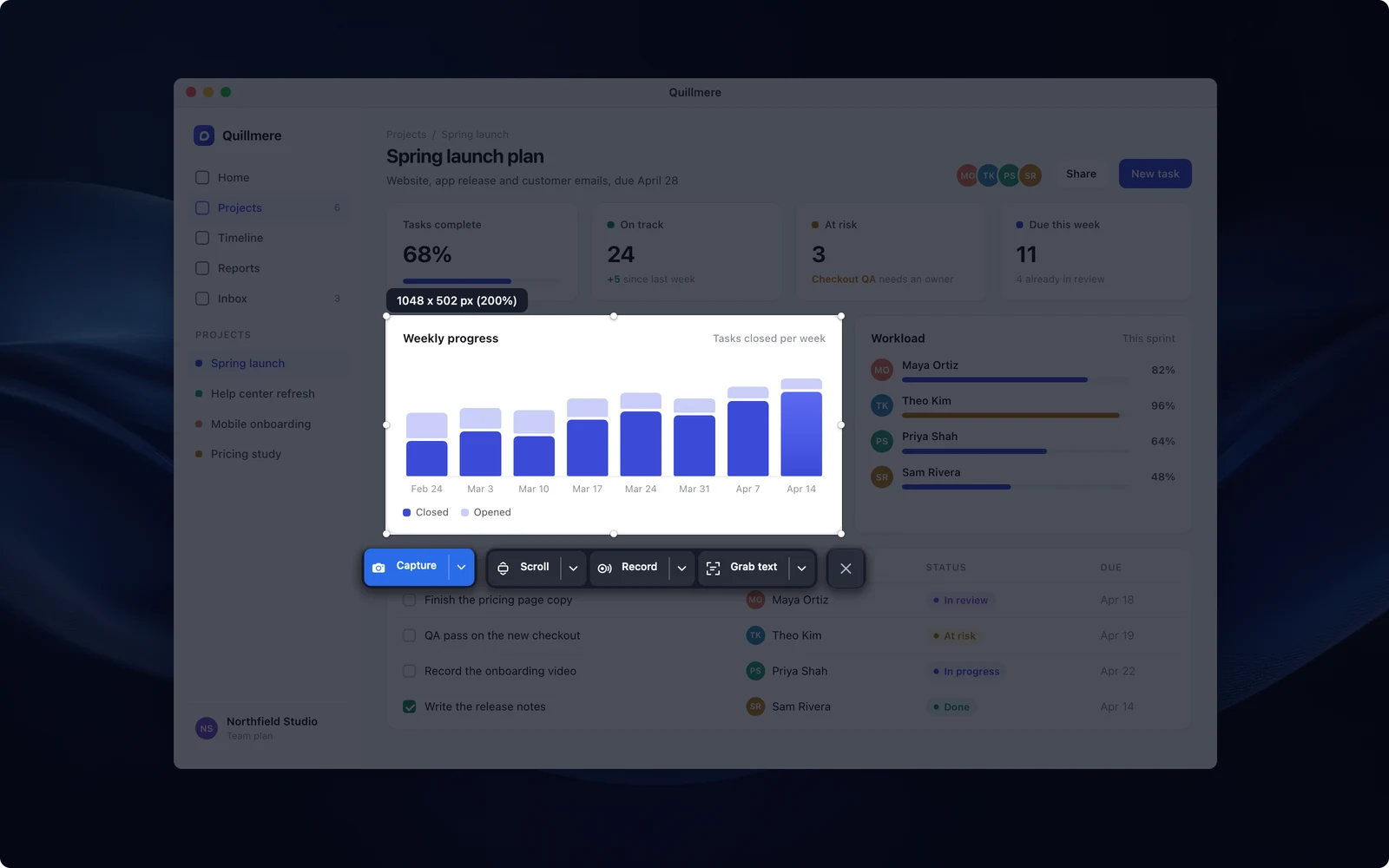
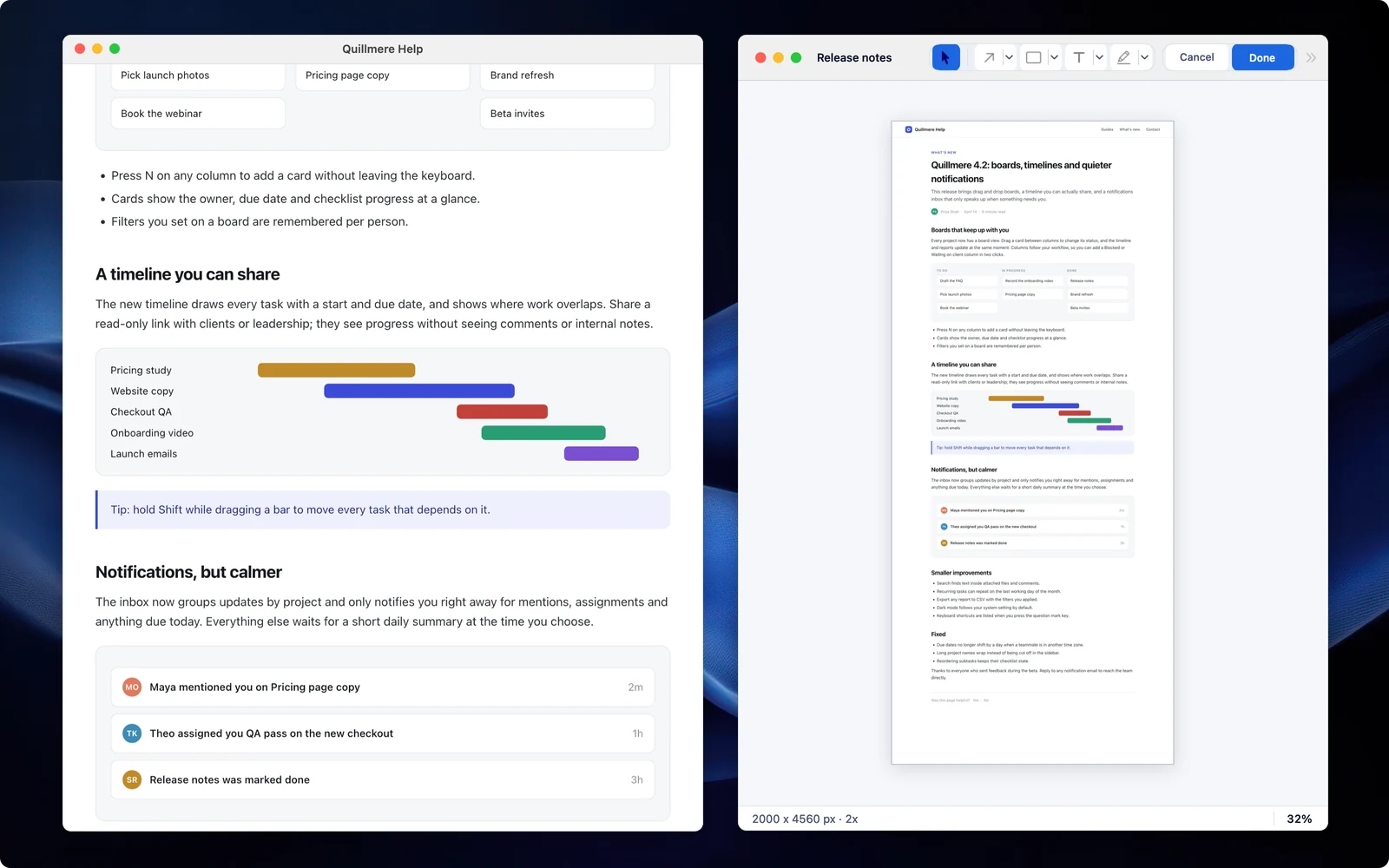
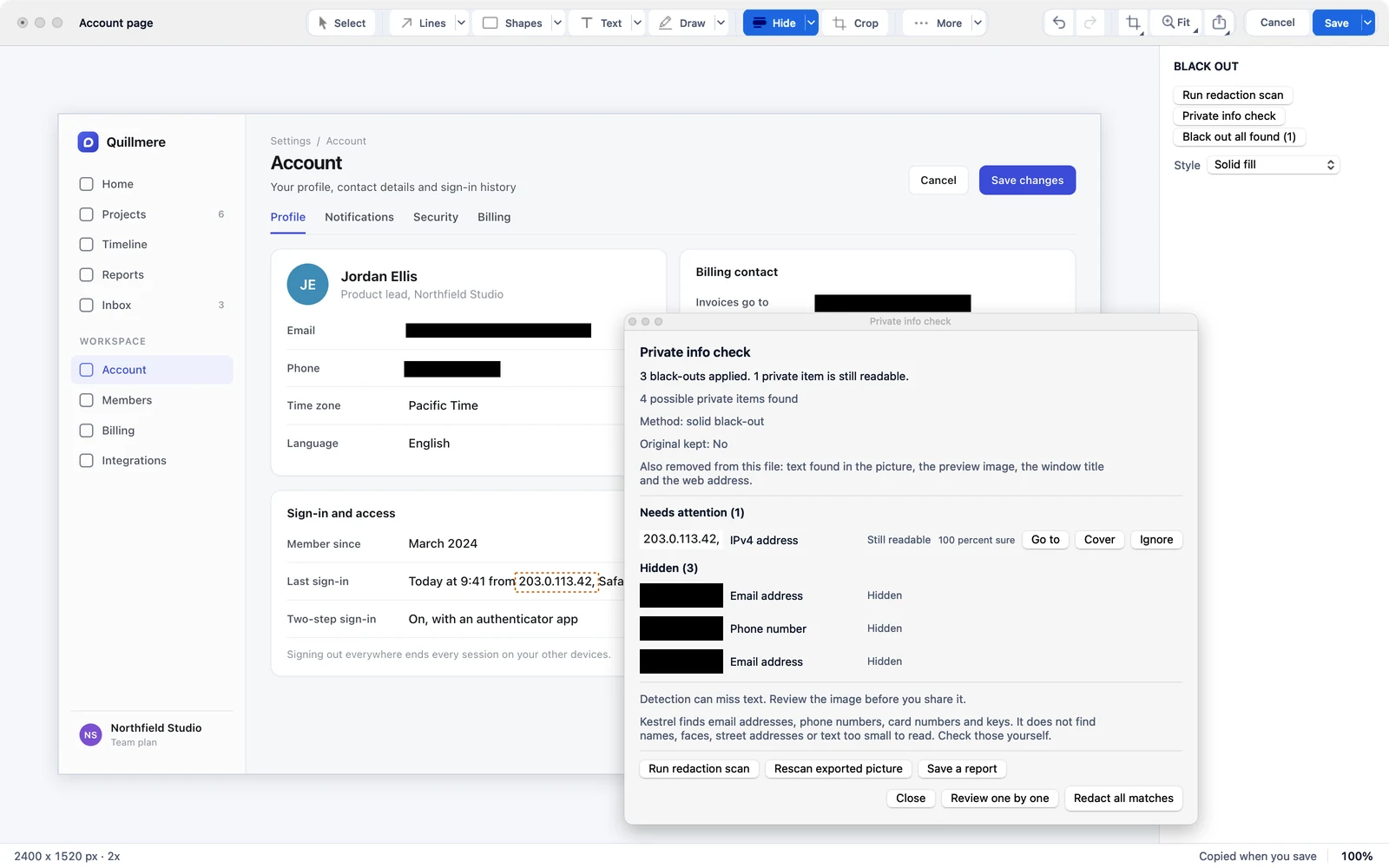
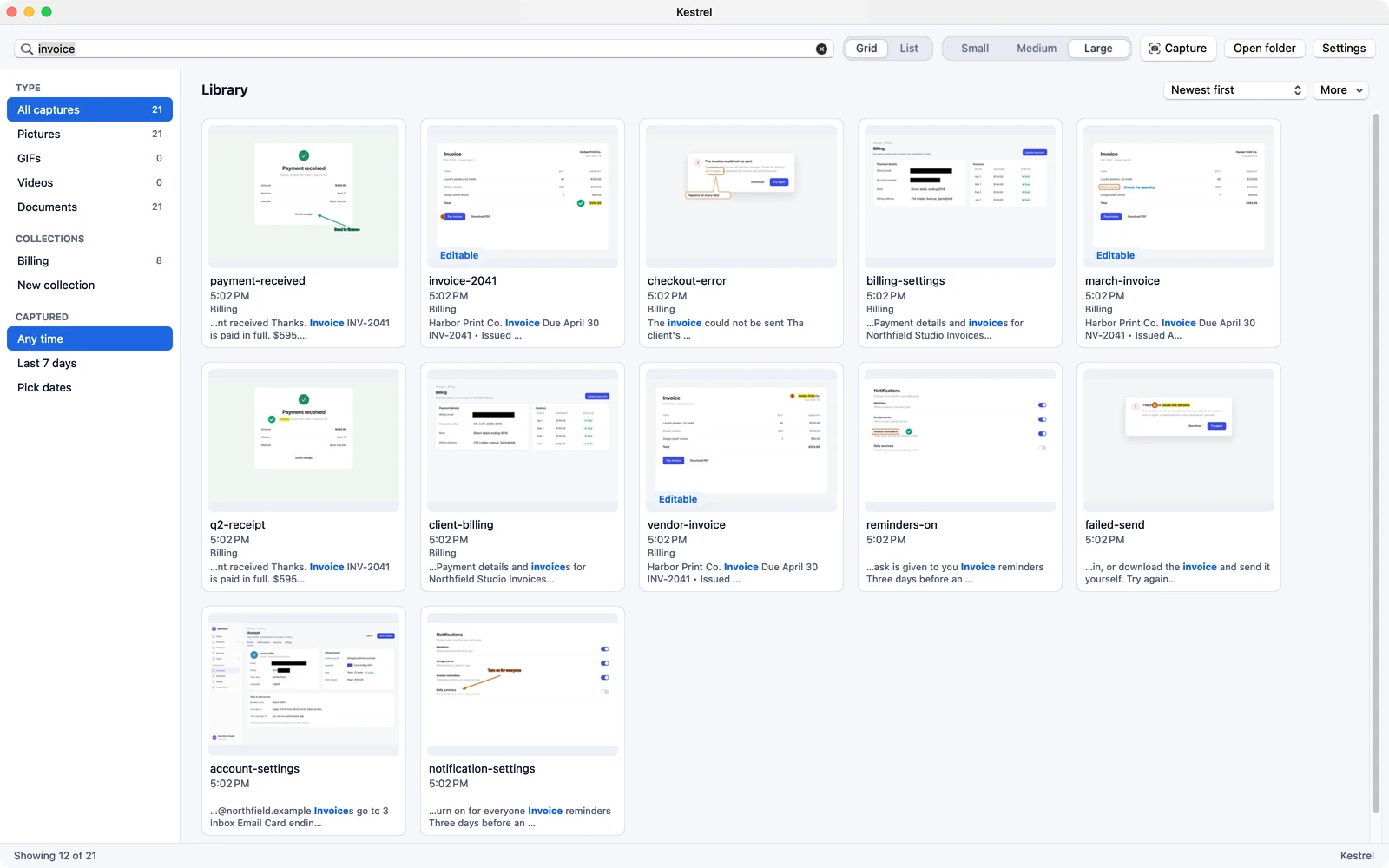
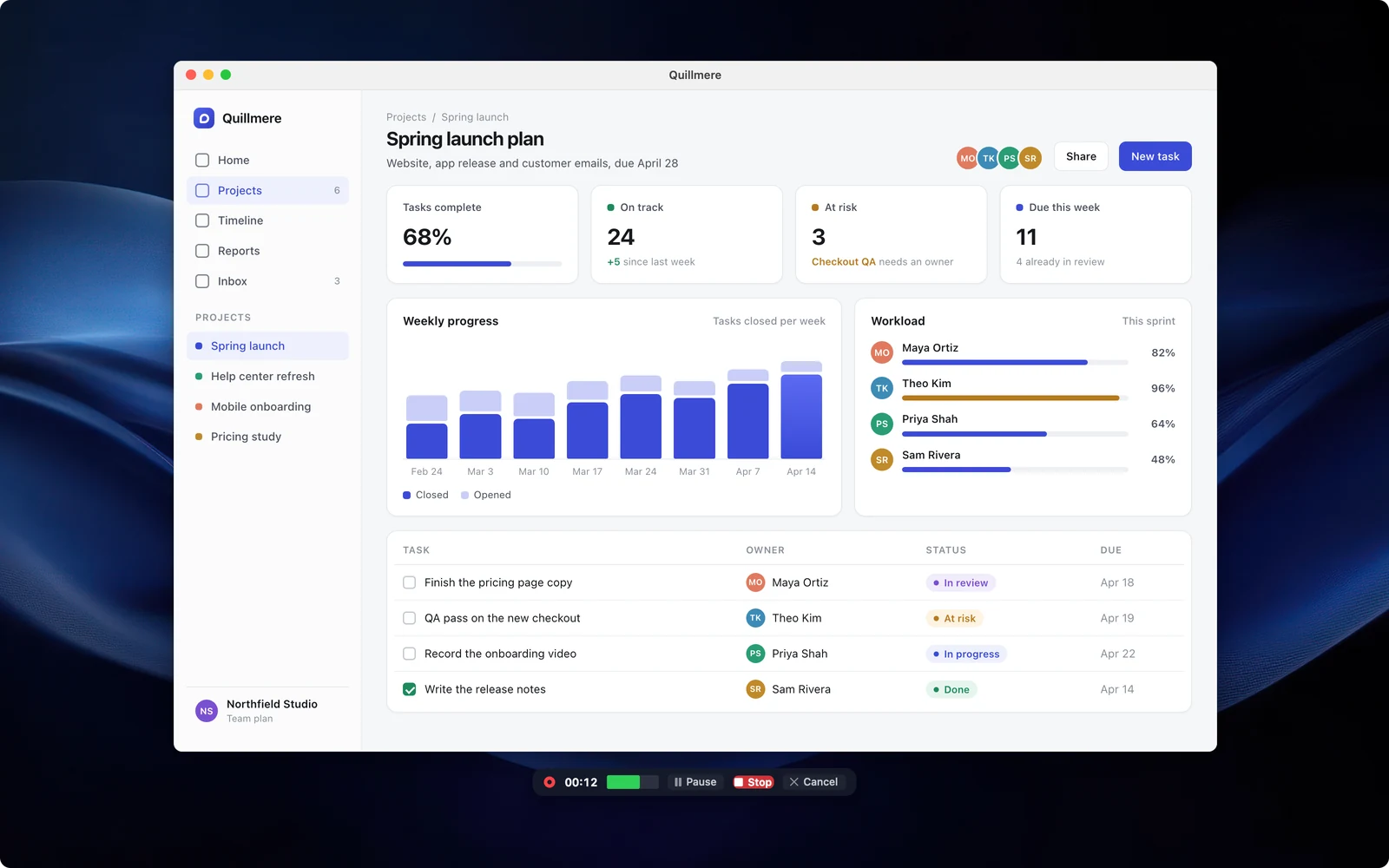
Framed versions of the screenshots (on a background, with a shadow). The ones here and in the zip are unframed with transparent corners.
Demo video
Recut this video before publishing: it still says “Kept in your Vault” (now the Library) and shows the other tool at $39.99 a year (the site says $39). Then add its YouTube link (unlisted is fine) so reviewers can embed it.
B-roll and GIFs
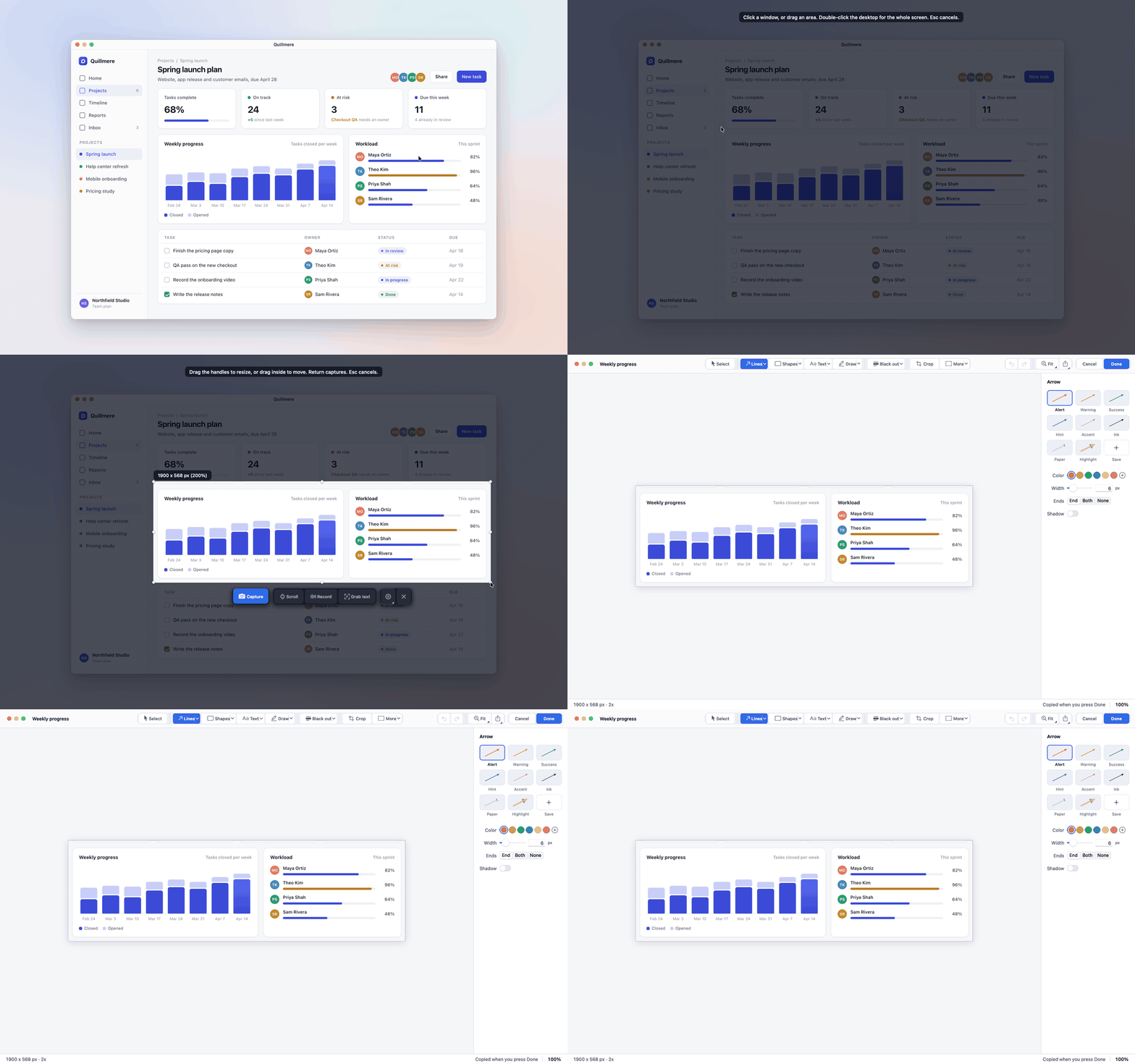
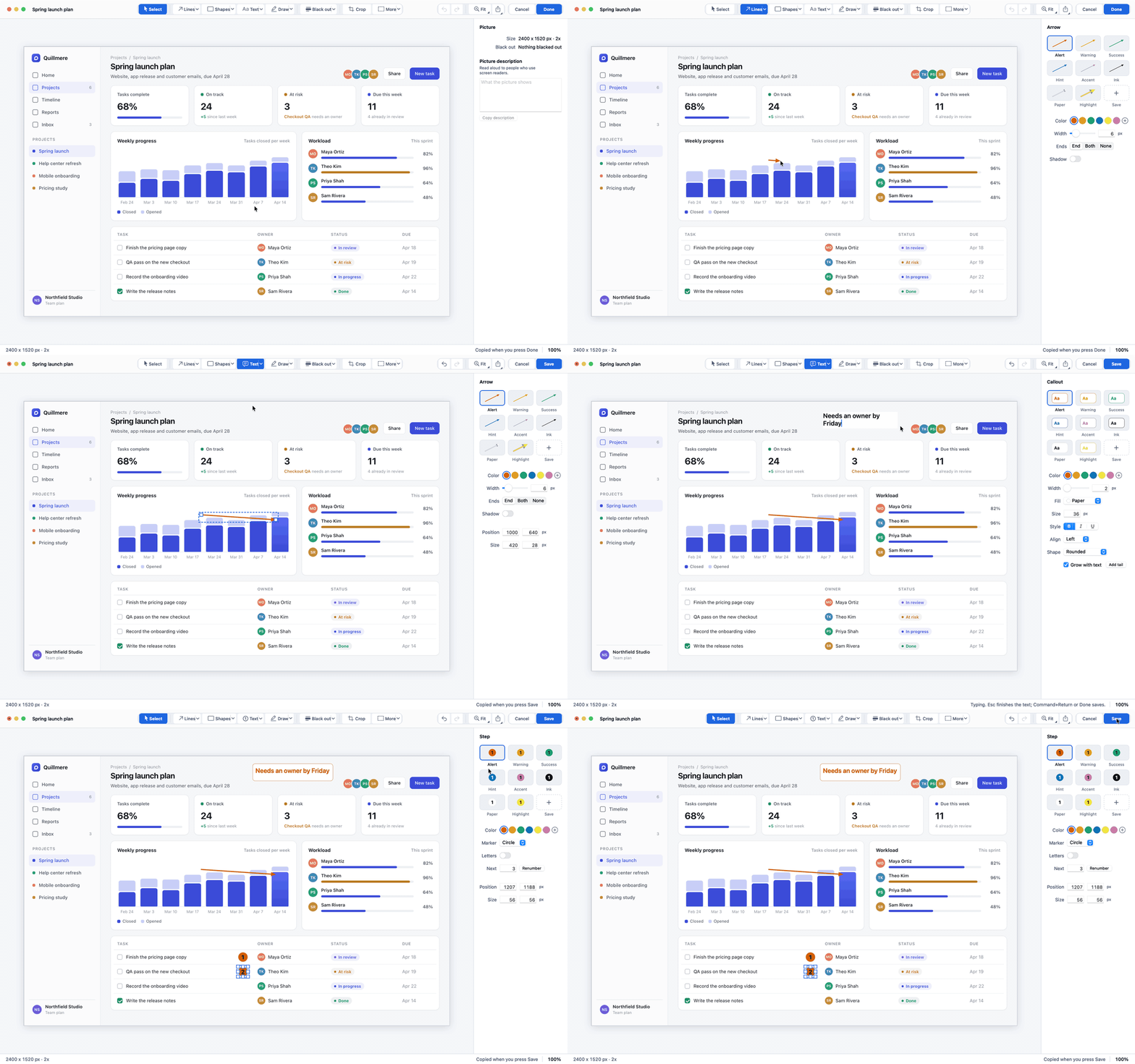
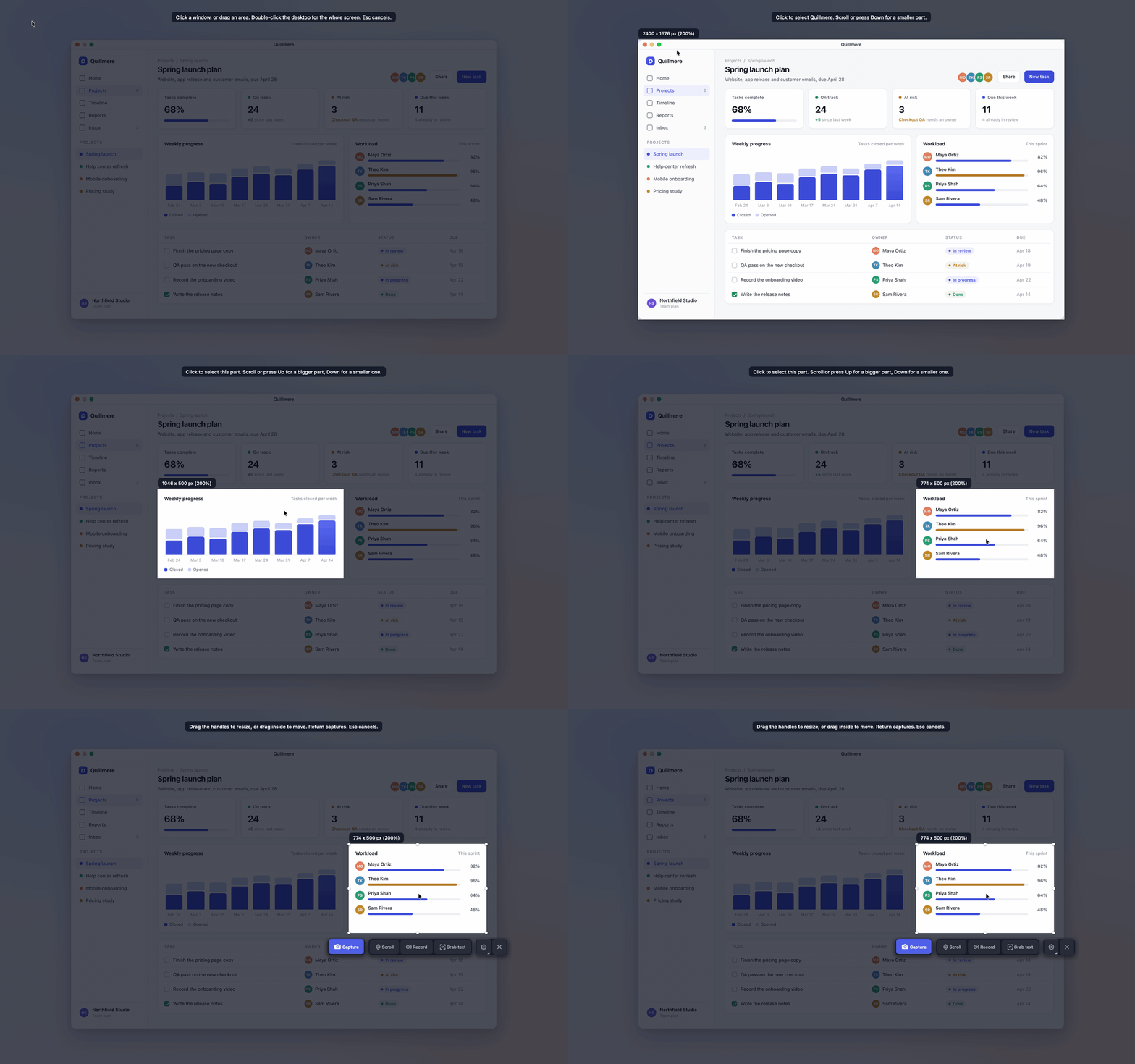
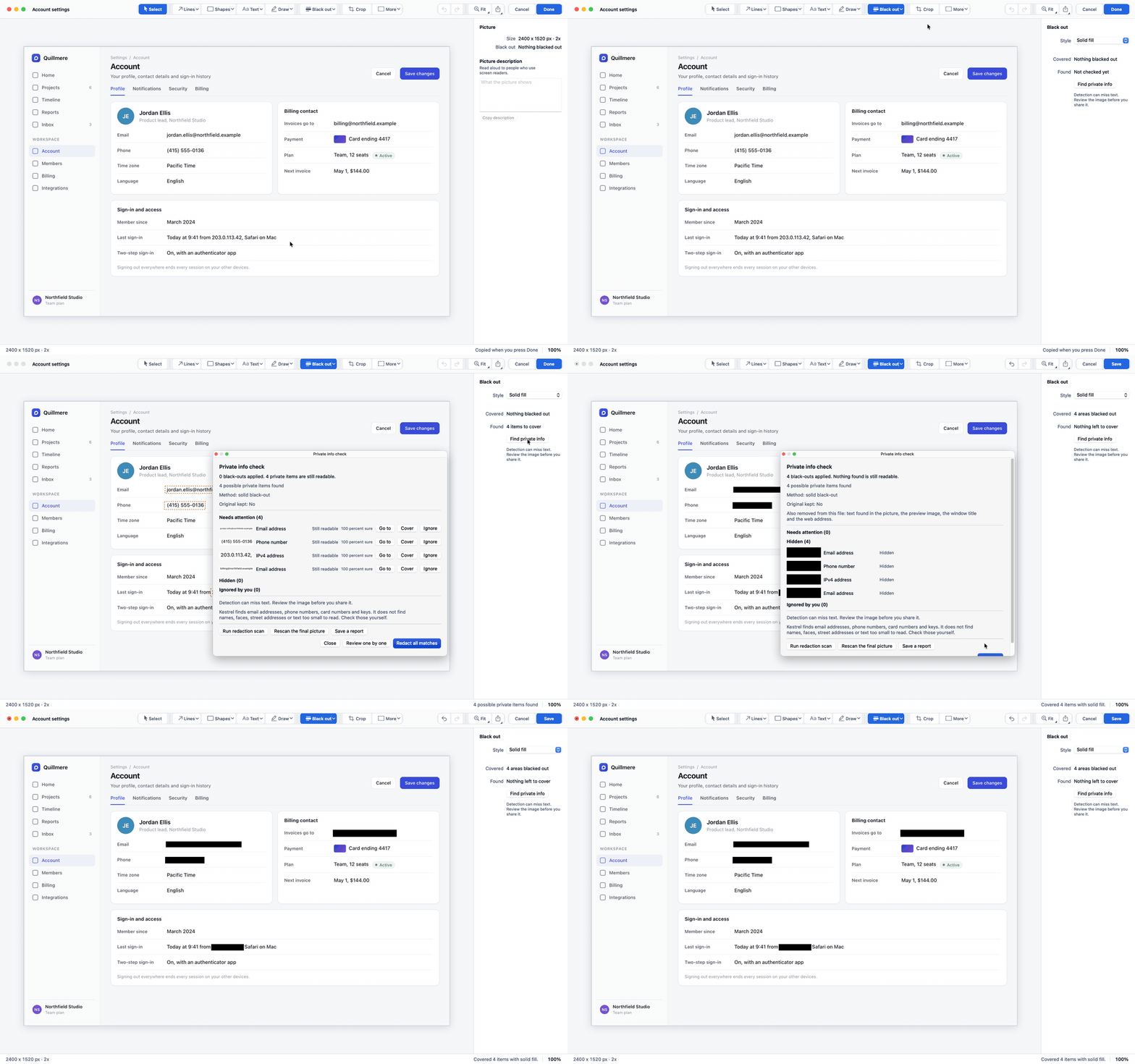
A short GIF of finding a capture in the Library by the words inside it. There is no Library GIF yet; the full Library walkthrough is on the See it in action page.
Talking points
- What it replaces: Snagit, for people who capture and record their screen every week: support teams, technical writers, teachers and anyone who writes how-to guides.
- The price: $19.99 a year, against $39 a year per user for Snagit Individual (TechSmith's store, October 28, 2026).
- No account: nothing to sign up for or sign in to, and no usage data sent. On Windows every connection is written to a log you can export, and one switch turns network access off.
- Your files stay yours: captures are plain PNG files in a folder you choose, with the editable copy beside them. If a plan ends you can still open, edit, save and export.
- What's different: it helps find API keys, tokens and your own private words before you share, checks every seam of a scrolling capture, and searches your Library by the text inside pictures.
From the founder
A founder quote of one or two sentences, a short bio of two or three sentences, and a photo of Kyle at least 1200 px wide that reviewers may use. Add the photo to the zip too.
Creator program
Earn 40% of every sale your link or code brings in, with a free Kestrel license to make your video.
Press contact
Write to Kyle Goodfriend at friends@goodfriendsolutions.com. Every email gets an answer.
A dedicated press address such as press@kestrelcapture.com. Set up the mailbox first, then put it here and in the fact sheet.
Coverage so far
Links to reviews and videos as they come in, newest first. Until there is at least one, remove this section before publishing.