Look what $19.99 a year gets you on Mac
Screenshots, markup and screen recording, plus the video editing that TechSmith sells as Camtasia. One app for Mac, one price, and no account to make.
Need it for Windows? Download for Windows
Free during the beta, until Kestrel launches on December 1, 2026. No account, no card.
$19.99 a year
- Capture, mark up and hide private details
- Record your screen, voice and camera
- Zoom, speed up and add timed notes to the video
- Search the words inside every capture
- No account to make
Free in the beta until December 1. Snagit Individual alone is $39 a year.
From December 1, Kestrel for Mac is on the Mac App Store at $19.99 a year, with 14 days free.
Everything in Kestrel for $19.99
No add-ons and no second app for the video. This is the whole list of what you use every day, and all of it is in the one price.
Capture
Watch- One key, then drag
- A region, a window or the whole screen
- Long pages that scroll, checked at every seam
- Copy the text from anything on screen
- Add a QR code to any picture
Mark up
Watch- Arrows, boxes, text, numbered steps and a spotlight
- Every mark stays editable, next week too
- Callouts with a tip you drag
- Stamps, icons and your own saved styles
- Frames and templates for guides
Record
Watch- Your screen with your voice and system sound
- Your camera in the corner
- Keys you press shown on screen
- A warning when your mic is muted
- Crash recovery, so a crash costs seconds
Edit the video
Watch- Zoom, pan and zoom to each click
- Speed up, slow down or hold a frame
- Notes and arrows on a timer
- Cut, with eight join styles
- Clicks and the pointer restyled after you record
Hide private details
Watch- Finds emails, phone numbers, card numbers, keys and tokens
- Your own private words, found too
- Cover them with a solid black out before you share
- Detection can miss things, so you check before you send
Find and share
Watch- Search the words inside your pictures
- Collections that fill themselves by your rules
- Plain PNG files in a folder you choose
- Export PNG, MP4 or GIF, or copy to the clipboard
- No account to make, ever
Plus the video tools Snagit users buy Camtasia for
Snagit records your screen and lets you trim it. Zooming, speed changes and notes on a timer aren’t on Snagit’s feature pages. At TechSmith they come with Camtasia, from $179.88 a year without a watermark. In Kestrel they’re part of the $19.99.
- Watch
Zoom and pan
Zoom in on the part that matters and pan across, on the recording you already made.
- Watch
Zoom to each click
One button adds a zoom wherever you clicked, then eases back out.
- Watch
Speed up or slow down
Play any part from a quarter speed up to 16 times as fast, and choose what happens to the sound.
- Watch
Hold a frame
Freeze on one moment for up to 30 seconds, so people have time to read it.
Notes and arrows on a timer
Add a note, an arrow or a marker that shows for just the seconds you choose.
- Watch
Click styles you can change later
Every click is saved as data, so you can restyle, add or remove clicks after you record.
- Watch
Clean joins after a cut
Pick from eight join styles where you cut something out, with a preview.
Click sound
Add a Tick or Tap sound to each click, and hear it before you export.
And for screenshots, things Snagit doesn’t list
No account to sign in
Kestrel works without an account. Snagit asks you to sign in with a TechSmith account.
- Watch
Search by the words inside
Type a word and find every capture that shows it, even when the word is inside the picture.
- Watch
Save parts as stamps
Pick out the buttons, cards and logos in a screenshot and save them to reuse in your next guide.
- Watch
Replace text that matches the look
Retype a word right in the picture, and Kestrel matches the font, size and color as closely as it can.
Measure in real units
Draw a dimension line, set the scale once, and every line reads in inches or millimetres.
Smart collections
Collections that fill themselves by rules you set, such as every capture of one kind.
See it on Mac
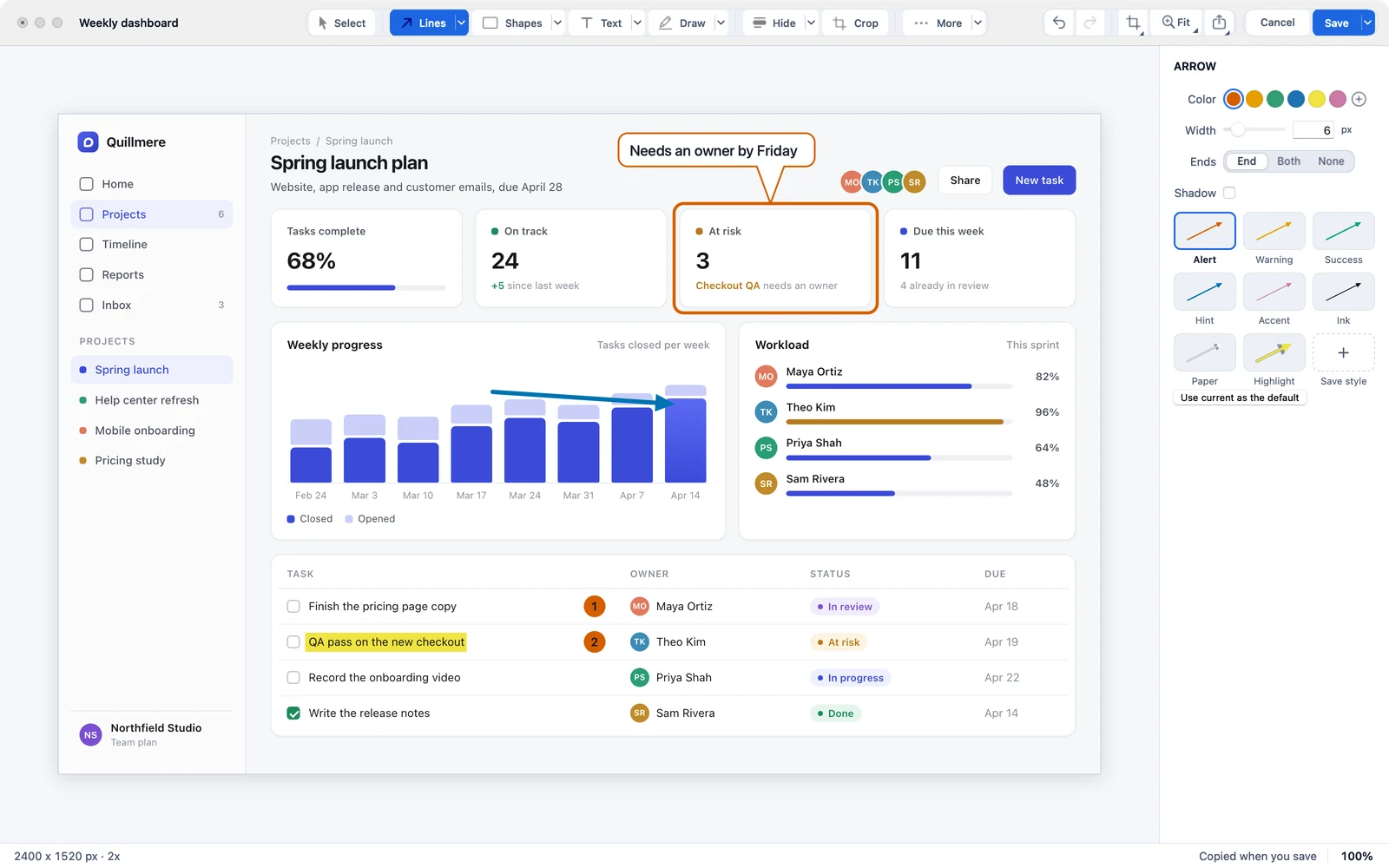
Mark it up today. Move the arrow next week.
Every box, arrow and step stays editable, and Kestrel keeps the editable copy beside the picture.
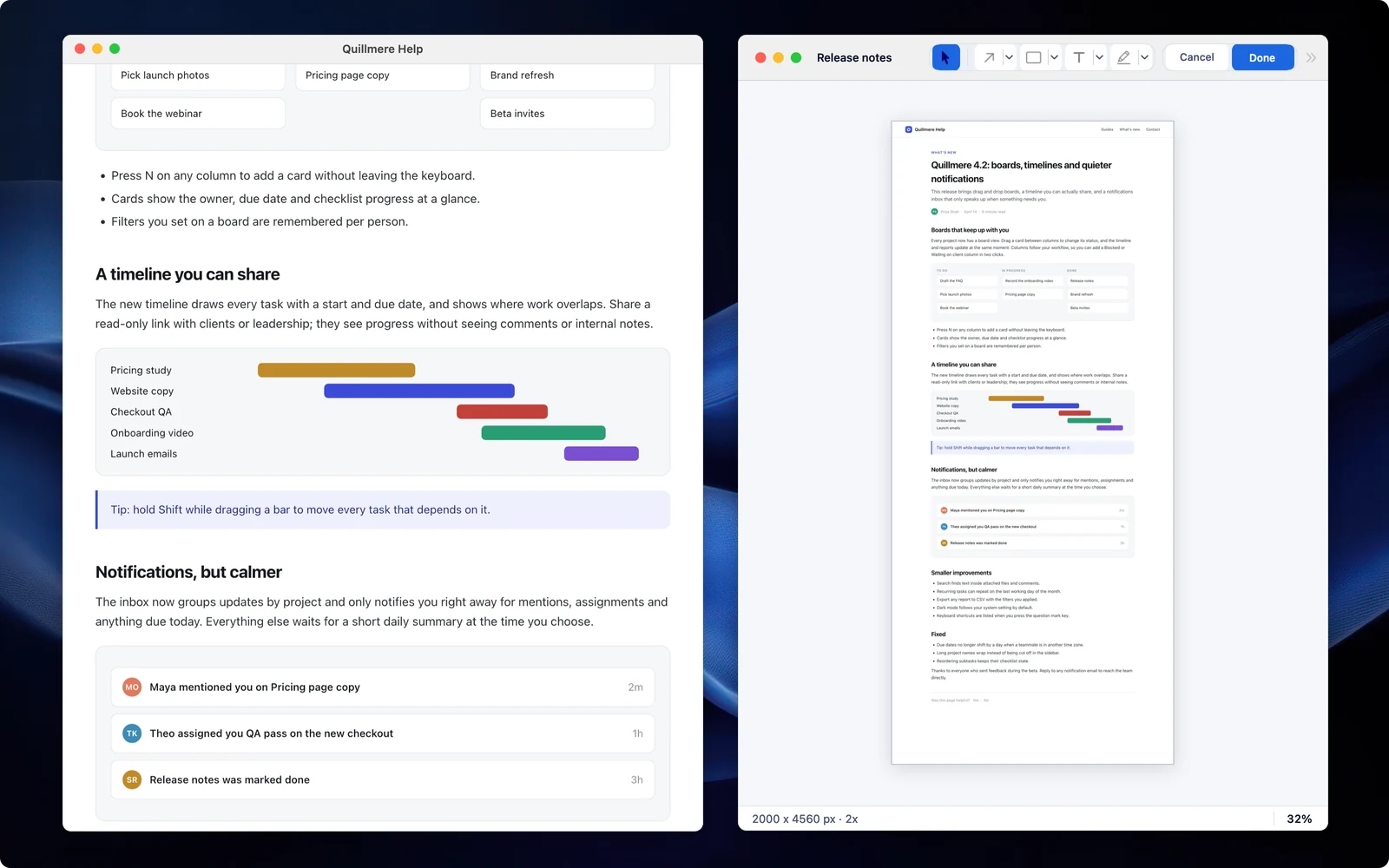
Long pages, checked at every seam.
Scrolling capture checks each join and flags a strip that might be missing.
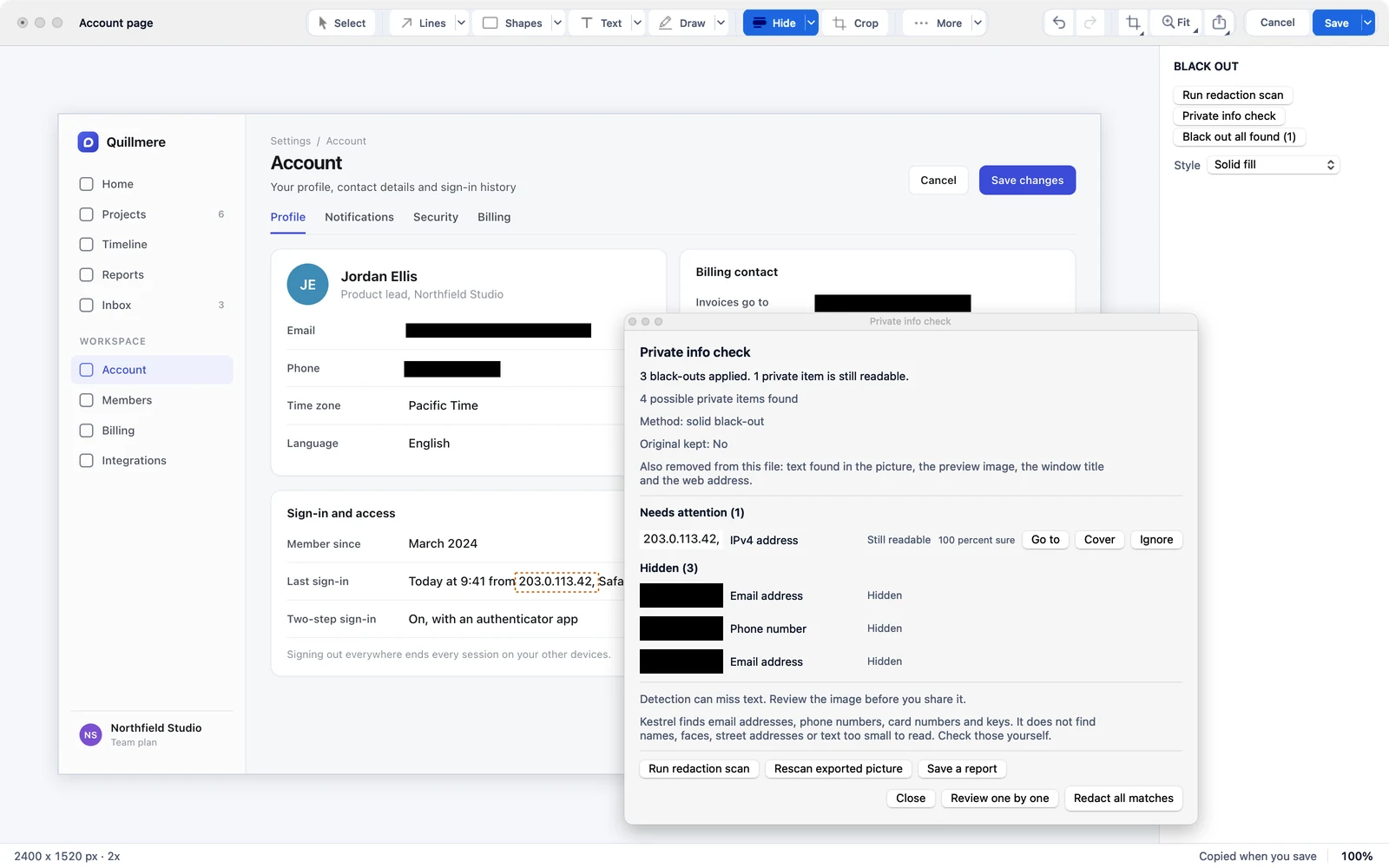
Find the private bits before your reader does.
Kestrel helps find emails, API keys, tokens and your own private words, and seals what you hide into what you save.
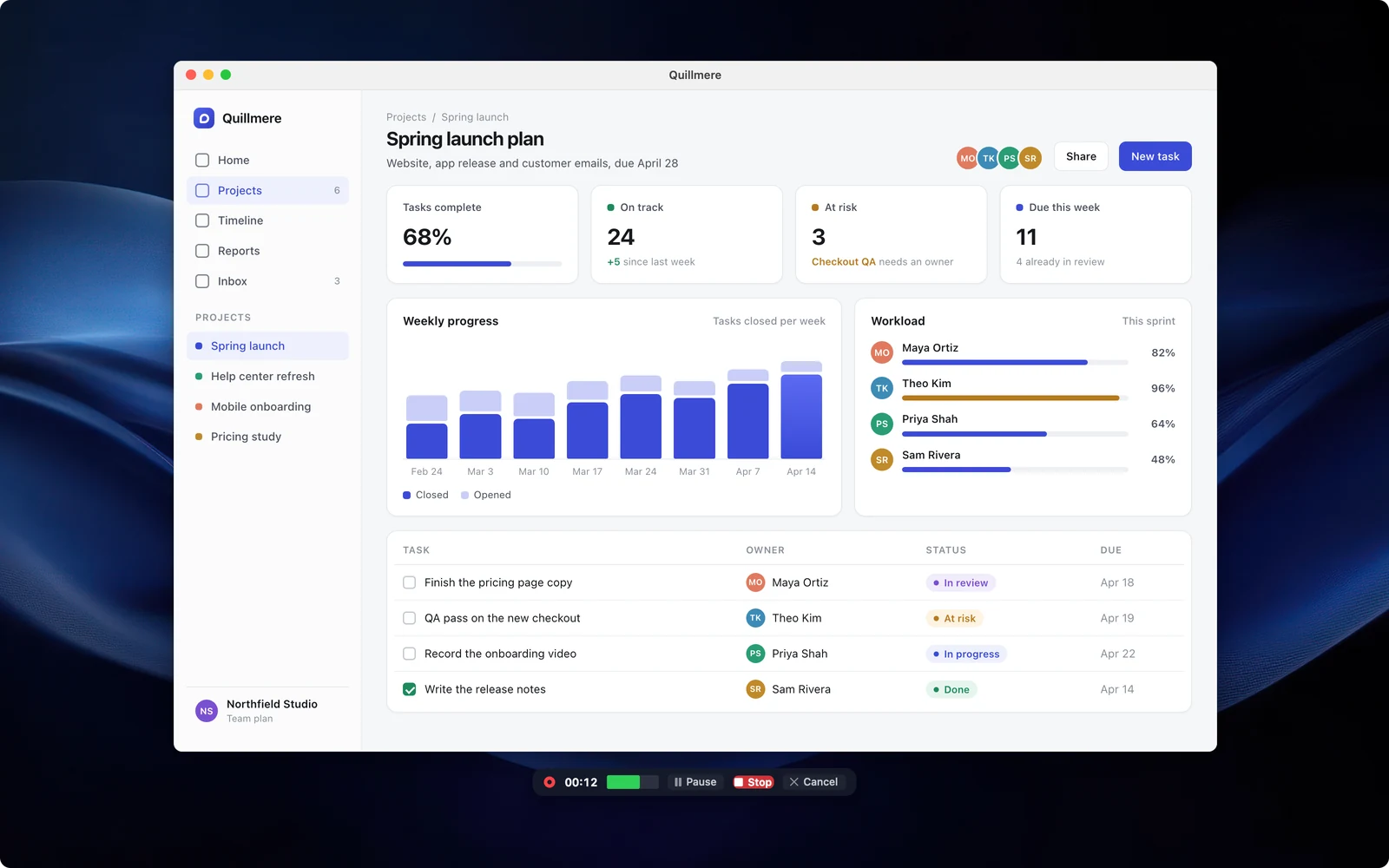
A recorder that doesn’t lose the take.
Record with sound, trim it, and point at things with arrows and steps timed to the second.
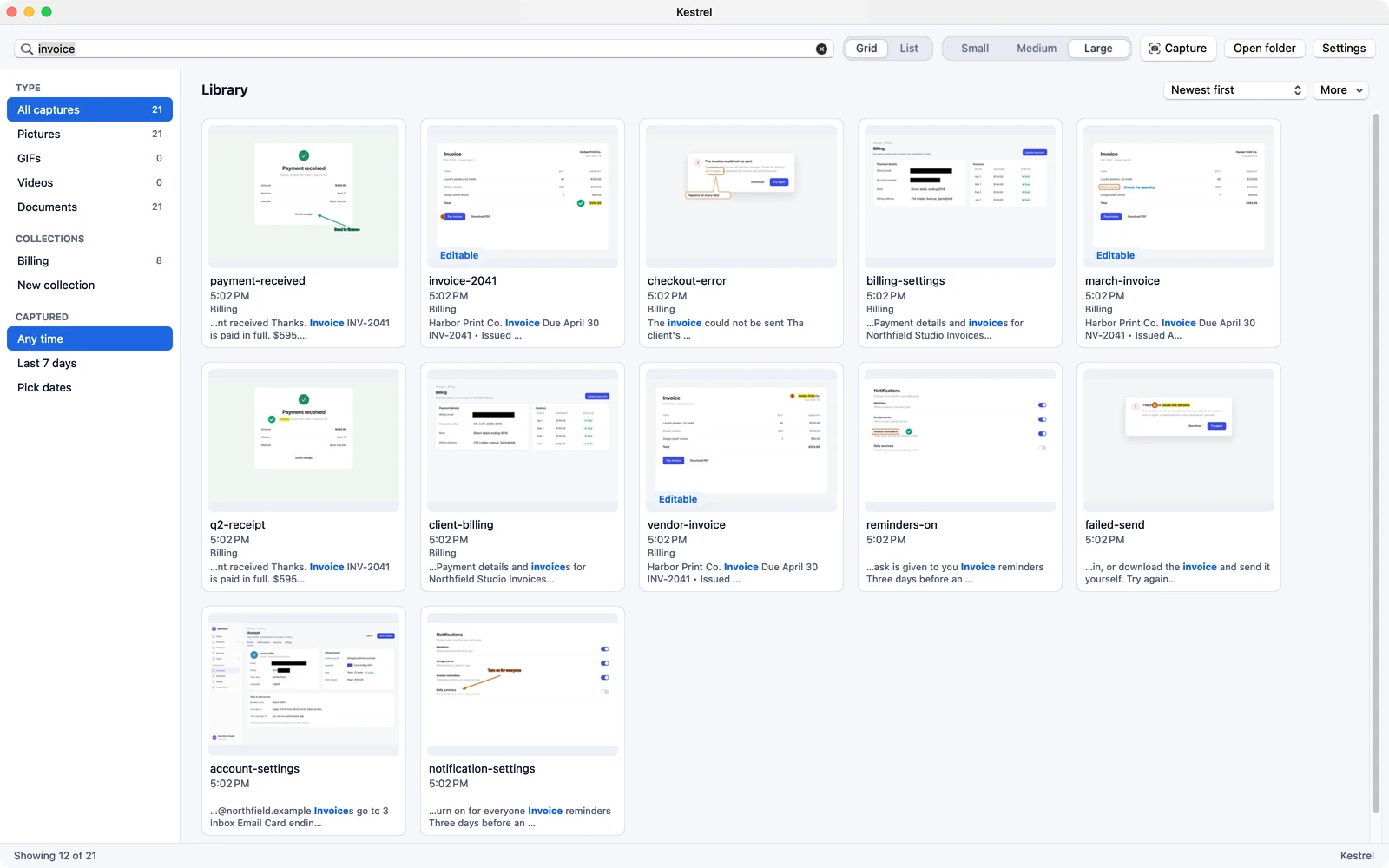
Find it again by what it says.
The Library searches the words inside your pictures. Captures are plain PNG files in a folder you choose.
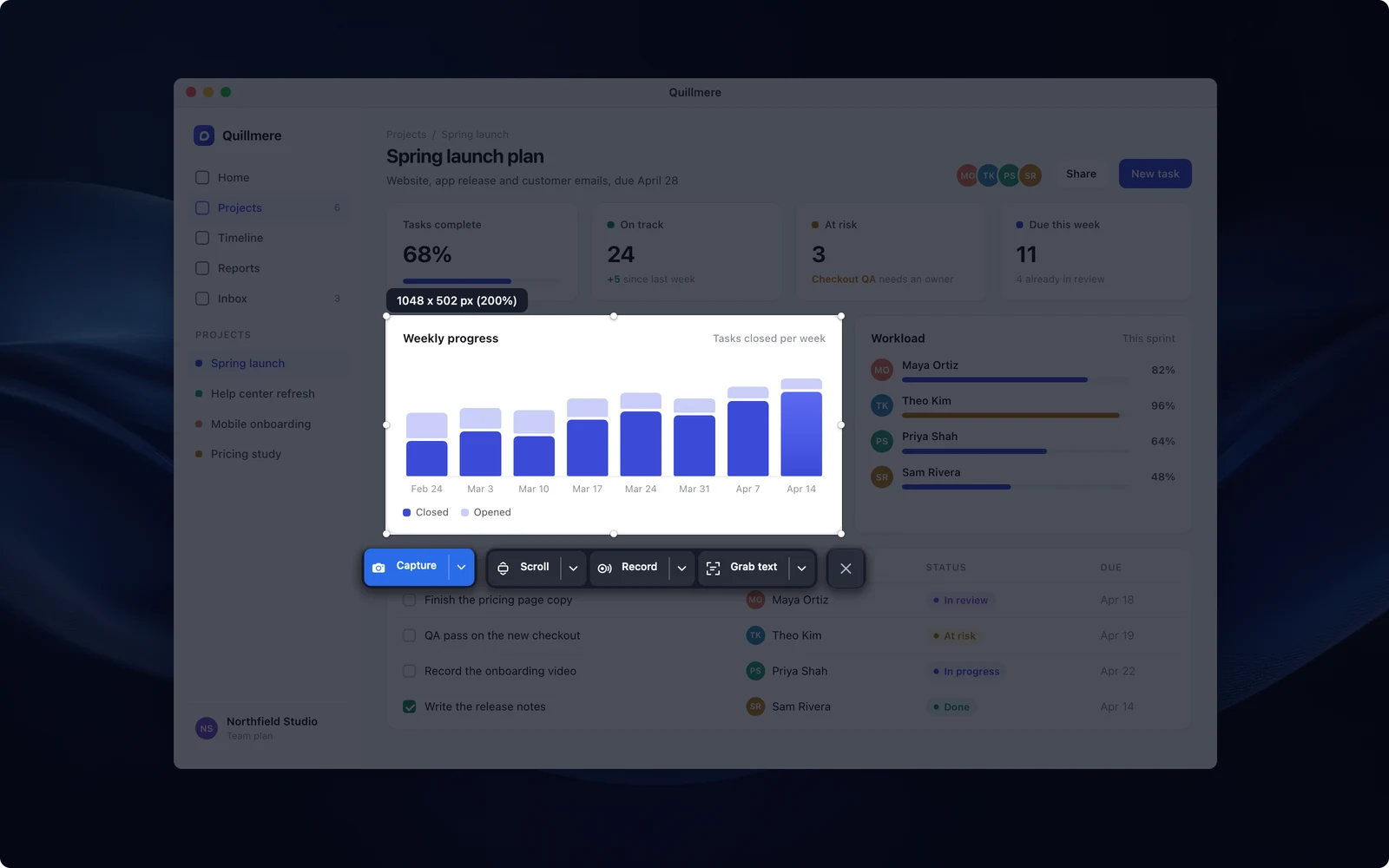
Pick the area first. Decide what to do with it second.
Click a window or drag any area, then copy, save, edit or record from one bar.
What the same list costs elsewhere
Kestrel is $19.99 a year for all of it. Snagit alone is $39 a year, and the video tools come with Camtasia, from $179.88 a year without a watermark.
Snagit and Camtasia prices from TechSmith’s store, read November 14, 2026. See how Kestrel compares with Snagit, line by line
No account. No tracking.
- Nothing to sign up for or sign in to, during or after the beta.
- It sends no usage data.
- If the beta or your plan ends, your files stay yours: open, edit, save and export.
Get Kestrel for Mac
macOS 15 Sequoia or later.
Need it for Windows? Download for Windows
Free during the beta, until Kestrel launches on December 1, 2026. No account, no card.
From December 1, Kestrel for Mac is on the Mac App Store at $19.99 a year, with 14 days free.
Coming from another app? Compare Kestrel with Snagit or CleanShot X. Or read why people switch.