Screen recorder for Windows, with the editing built in
Record your screen with your voice and your computer’s sound, then trim, zoom, speed up and add notes to the same video. It takes screenshots too. $19.99 a year, 14 days free in the app.
Made for Windows 11. Zooms, speed changes and animated callouts are built in. No account needed.
Zooms, speed changes and animated callouts are built in. No account needed.
14 days free in the app, then $19.99 a year. Each license covers 2 computers. No lifetime plan. On Windows, all sales are final, with no refunds. Cancel anytime to stop the next renewal. Terms of sale
On Mac, Kestrel is in beta on Apple TestFlight now and is coming to the Mac App Store at $19.99 a year, with a 14-day trial. Apple handles payment, renewals and refunds under Apple’s terms.
Need it for Mac? Join the Mac beta
Try it free for 14 days in the app, then $19.99 a year. No account, no card.
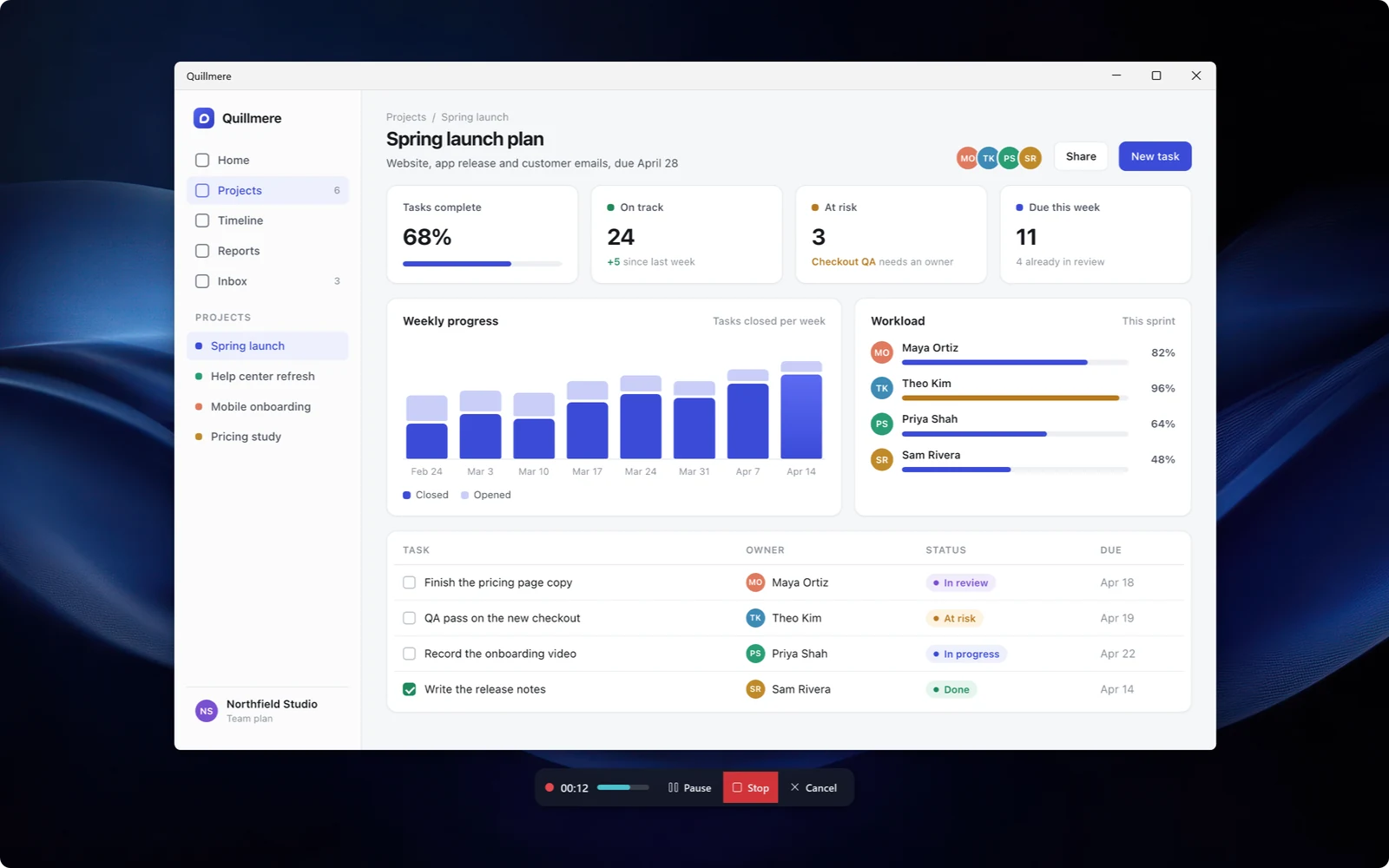
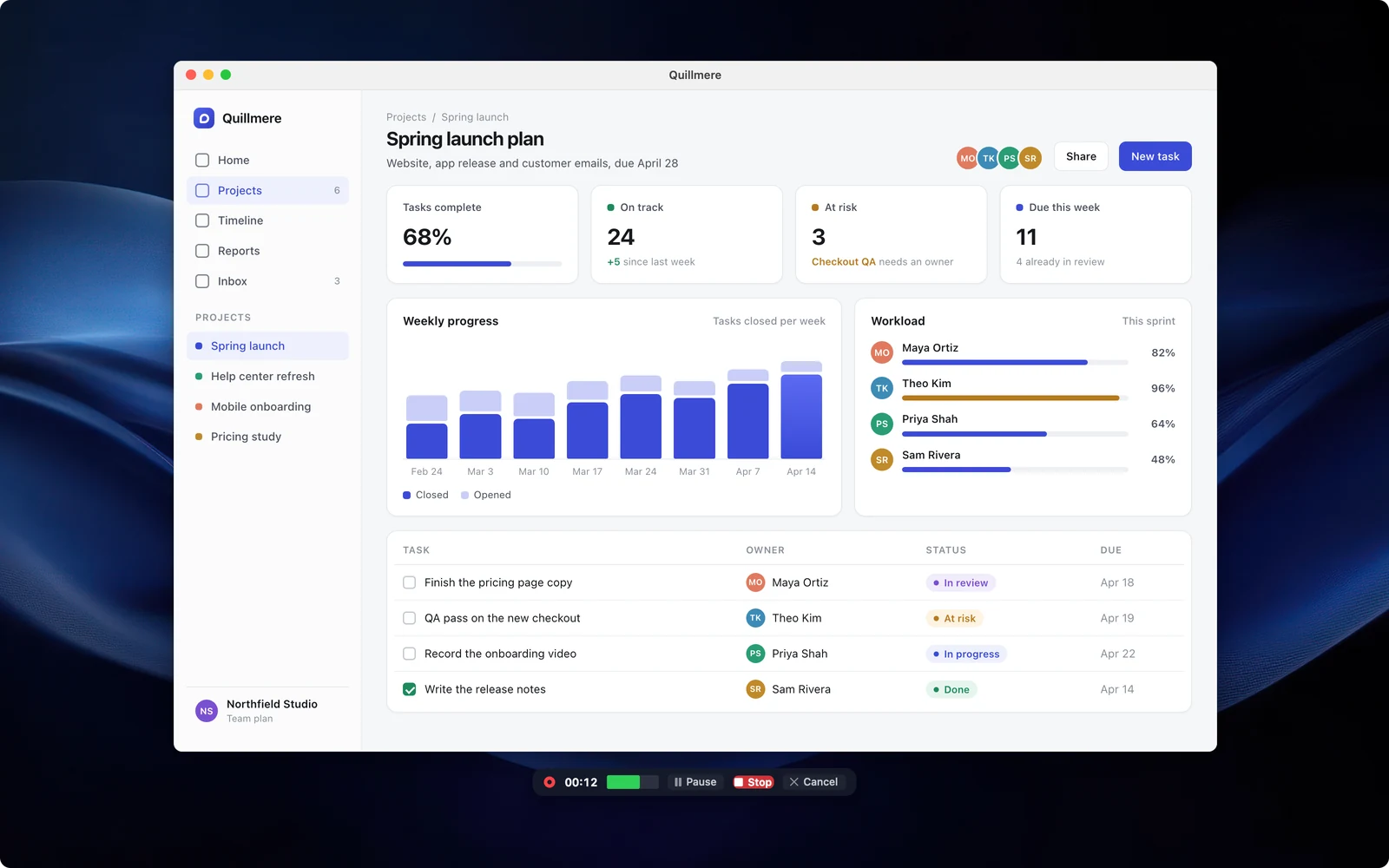
What a recording needs, and where it goes wrong
Most lost takes come from the same few mistakes: a muted mic, a crash, a recording too long to share. Kestrel has a guard for each.
Record
Watch- Your screen with your voice and system sound
- Your camera in the corner
- Keys you press shown on screen
- A warning when your mic is muted
- Crash recovery, so a crash costs seconds
Edit the video
Watch- Zoom, pan and zoom to each click
- Speed up, slow down or hold a frame
- Notes and arrows on a timer
- Cut, with eight join styles
- Clicks and the pointer restyled after you record
Share
- Export MP4 or GIF, or copy to the clipboard
- Plain files in a folder you choose
- No account to make, ever
Edit it in the same app
No second program. Each of these works on the recording you already made, and each has a short demo.
- Watch
Record with your voice and your computer’s sound
An area, a window or the whole screen, with your camera in the corner if you want it.
- Watch
Zoom and pan
Zoom in on the part that matters and pan across, on the recording you already made.
- Watch
Zoom to each click
One button adds a zoom wherever you clicked, then eases back out.
- Watch
Speed up, slow down or hold a frame
Play any part from a quarter speed up to 16 times as fast, or freeze on one moment for up to 30 seconds.
- Watch
Notes and arrows on a timer
Add a note, an arrow or a marker that shows for just the seconds you choose.
- Watch
Cut out the middle, with a clean join
Cut a section out, then pick from eight join styles with a preview.
- Watch
Click styles you can change later
Every click is saved as data, so you can restyle, add or remove clicks after you record.
See it on Windows
A recorder that doesn’t lose the take.
Record with sound, trim it, and point at things with arrows and steps timed to the second.
A recorder that doesn’t lose the take.
Record with sound, trim it, and point at things with arrows and steps timed to the second.
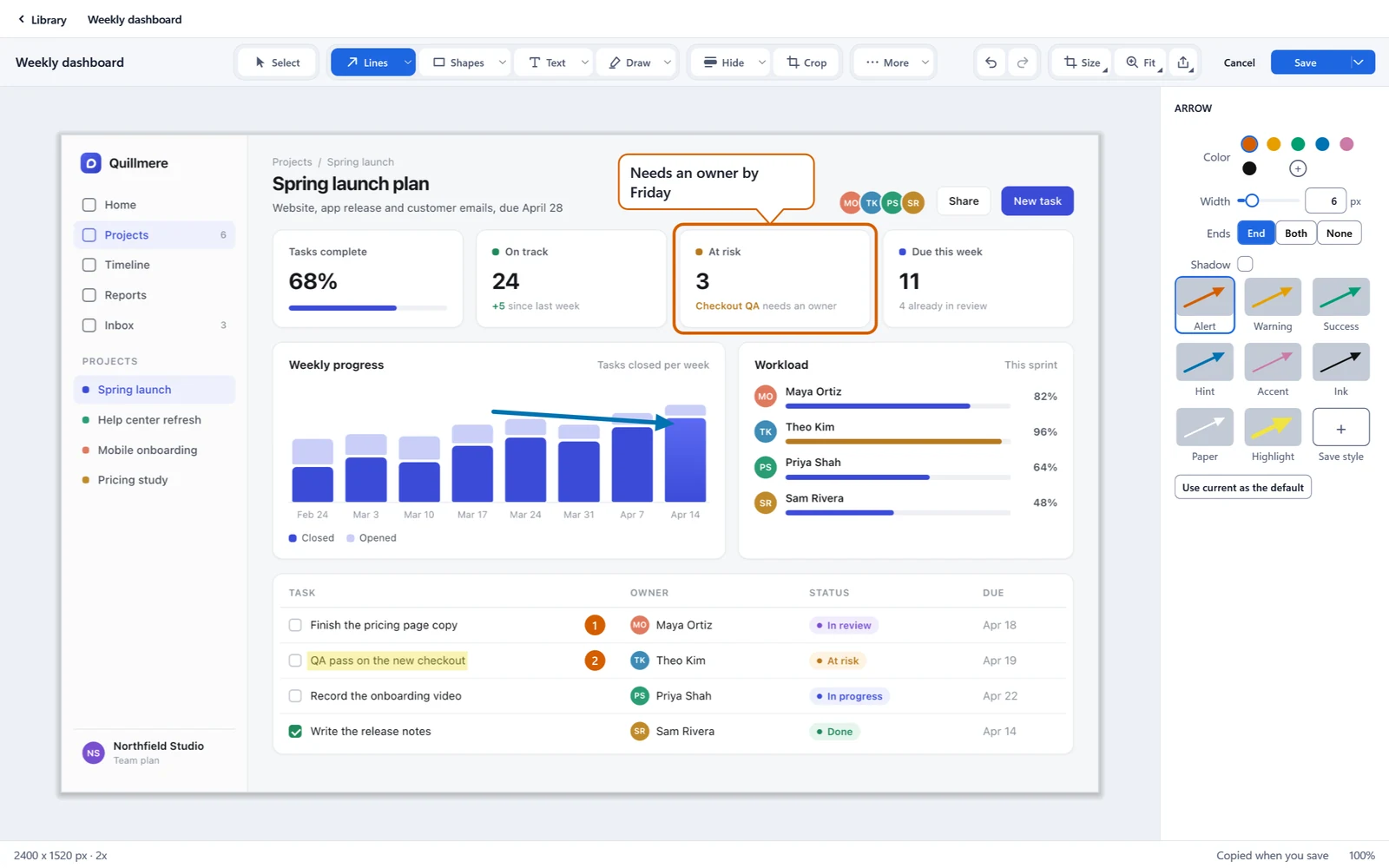
Mark it up today. Move the arrow next week.
Every box, arrow and step stays editable, and Kestrel keeps the editable copy beside the picture.
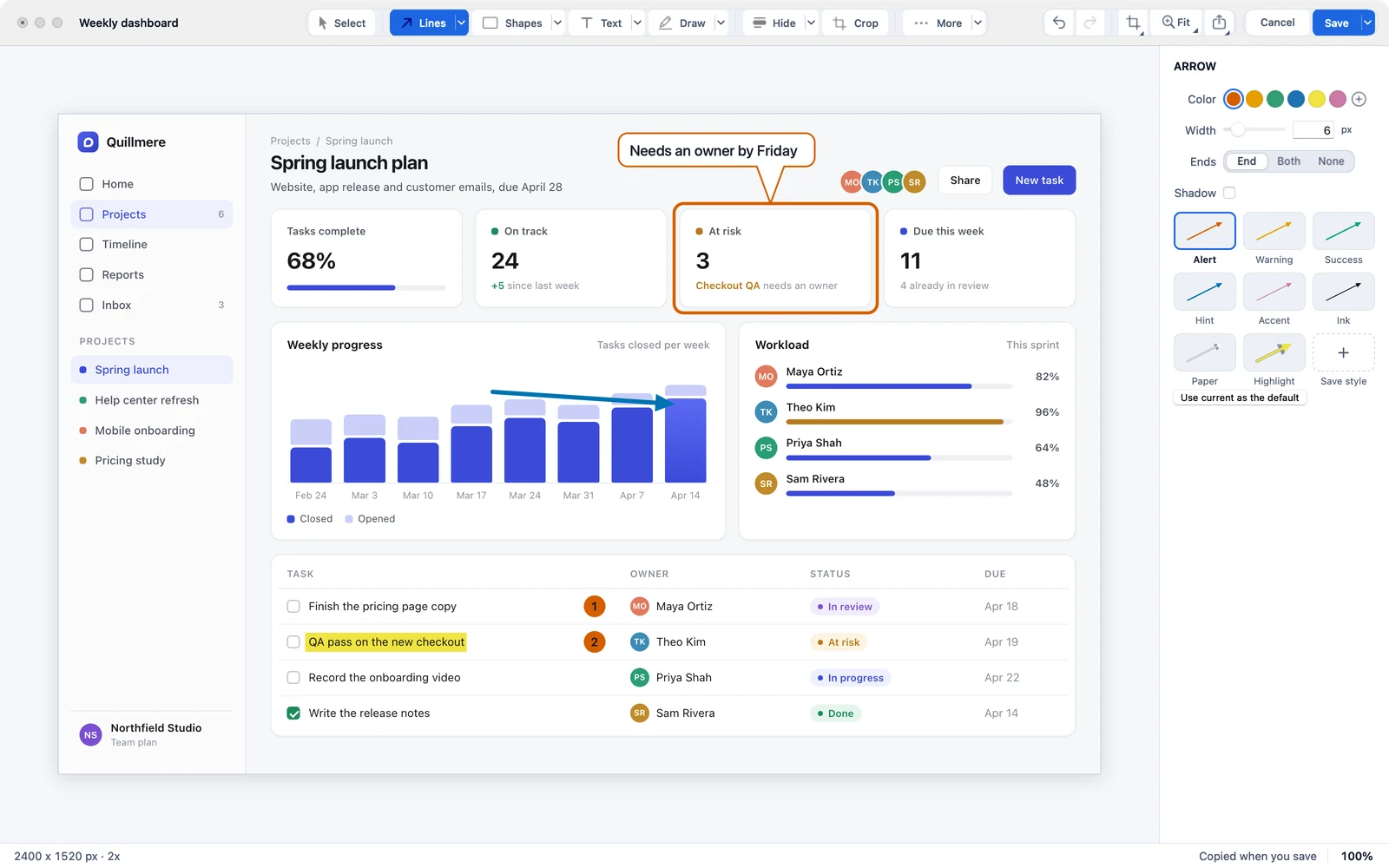
Mark it up today. Move the arrow next week.
Every box, arrow and step stays editable, and Kestrel keeps the editable copy beside the picture.
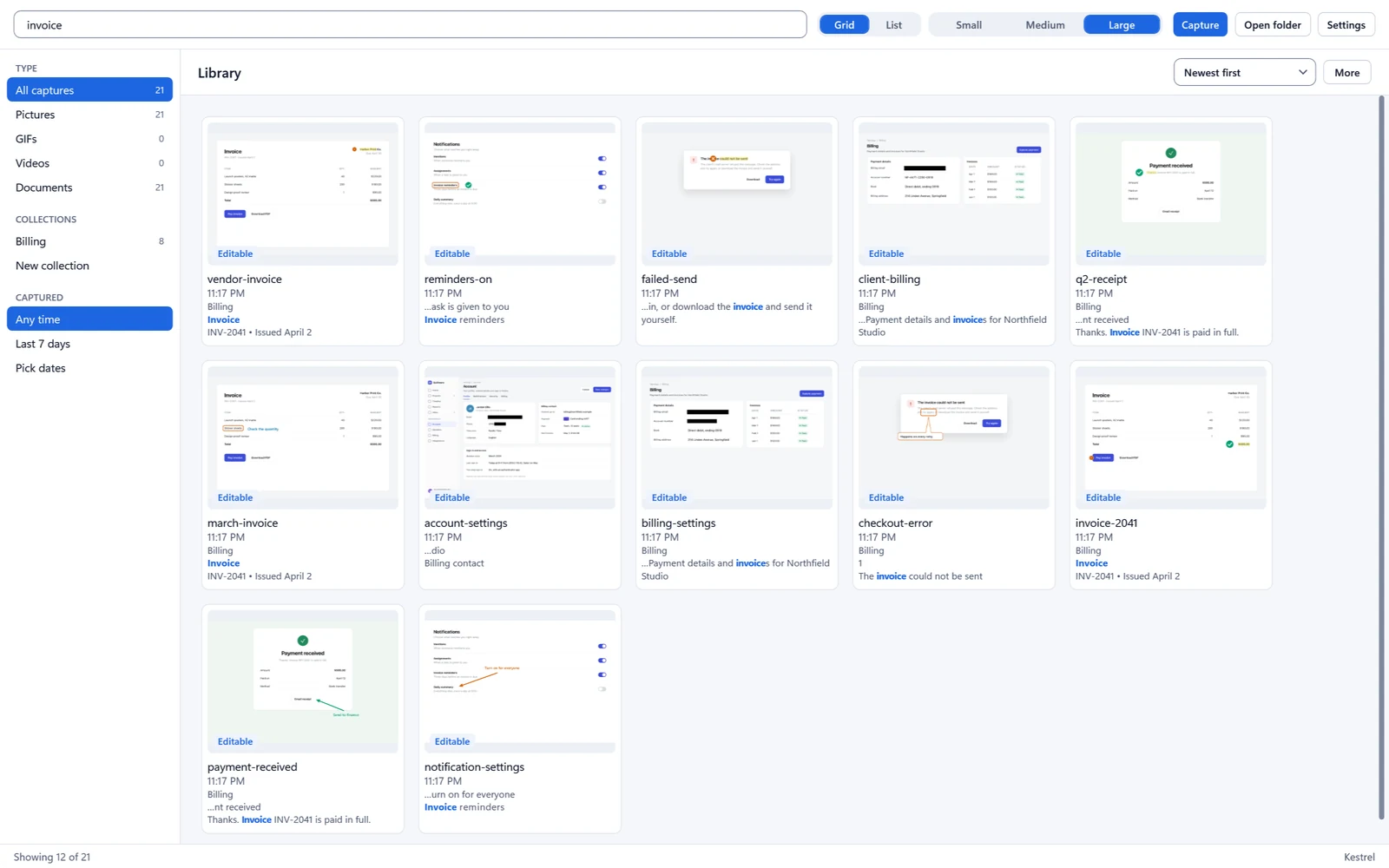
Find it again by what it says.
The Library searches the words inside your pictures.
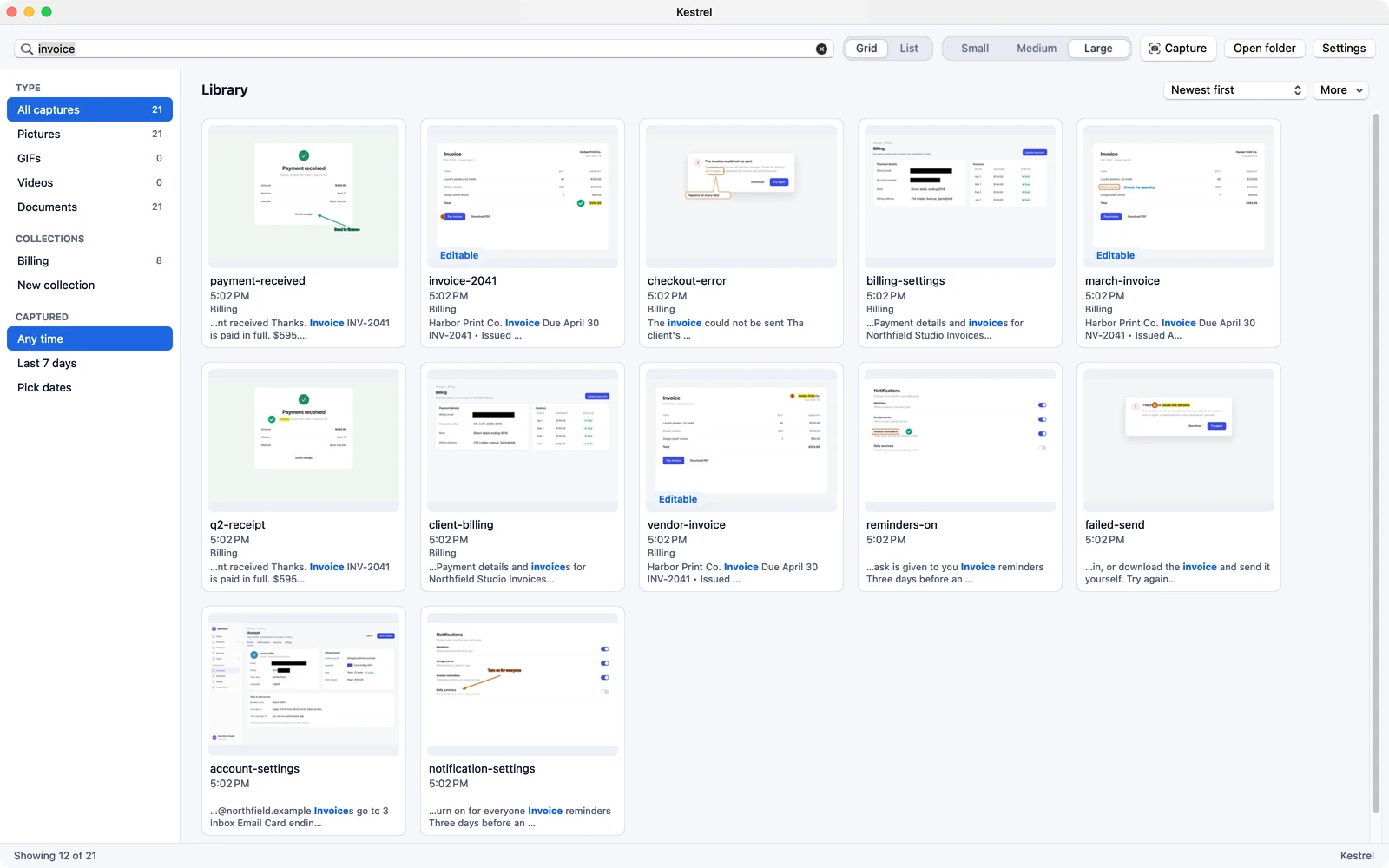
Find it again by what it says.
The Library searches the words inside your pictures.
What Kestrel does not do yet
- No background noise removal.
- No drawing on screen while you record. You add notes and arrows afterward, timed to the second.
- No editing the video by editing its transcript.
If you need any of those today, say so before you buy. The 14-day trial is free and needs no card.
$19.99 a year, all of it
- 14 days free in the app, then $19.99 a year.
- Each license covers 2 computers.
- One plan. No lifetime option, no add-ons, no second app for the video.
14 days free in the app, then $19.99 a year. Each license covers 2 computers. No lifetime plan. On Windows, all sales are final, with no refunds. Cancel anytime to stop the next renewal. Terms of sale
On Mac, Kestrel is in beta on Apple TestFlight now and is coming to the Mac App Store at $19.99 a year, with a 14-day trial. Apple handles payment, renewals and refunds under Apple’s terms.
Before you install
What do I need?
Windows 11 23H2 or later, on x64 or ARM64.
What if I change my mind after paying?
On Windows you buy on this site and all sales are final, with no refunds. That is why the 14-day trial is free and needs no card. You can cancel anytime to stop the next renewal. On Mac, Apple handles payment, renewals and refunds under Apple’s terms. Kestrel for Mac is in beta on Apple TestFlight now.
How does the free trial work?
Install Kestrel and use all of it for 14 days. You do not need an account or a card to start. After 14 days it is $19.99 a year.
What happens if my license ends?
If a license ends, you can still open, edit, save and export your files. New captures pause.
Does Kestrel collect my data?
It needs no account and sends no usage data. The only places it can reach are its update server and its license server, and every request goes in a connection log you can read and export. One switch turns network access off.
Get Kestrel for Windows
Need it for Mac? Join the Mac beta
Try it free for 14 days in the app, then $19.99 a year. No account, no card.
14 days free in the app, then $19.99 a year. Each license covers 2 computers. No lifetime plan. On Windows, all sales are final, with no refunds. Cancel anytime to stop the next renewal. Terms of sale
On Mac, Kestrel is in beta on Apple TestFlight now and is coming to the Mac App Store at $19.99 a year, with a 14-day trial. Apple handles payment, renewals and refunds under Apple’s terms.